USING THE ON-SCREEN DISPLAY (OSD)
MENU
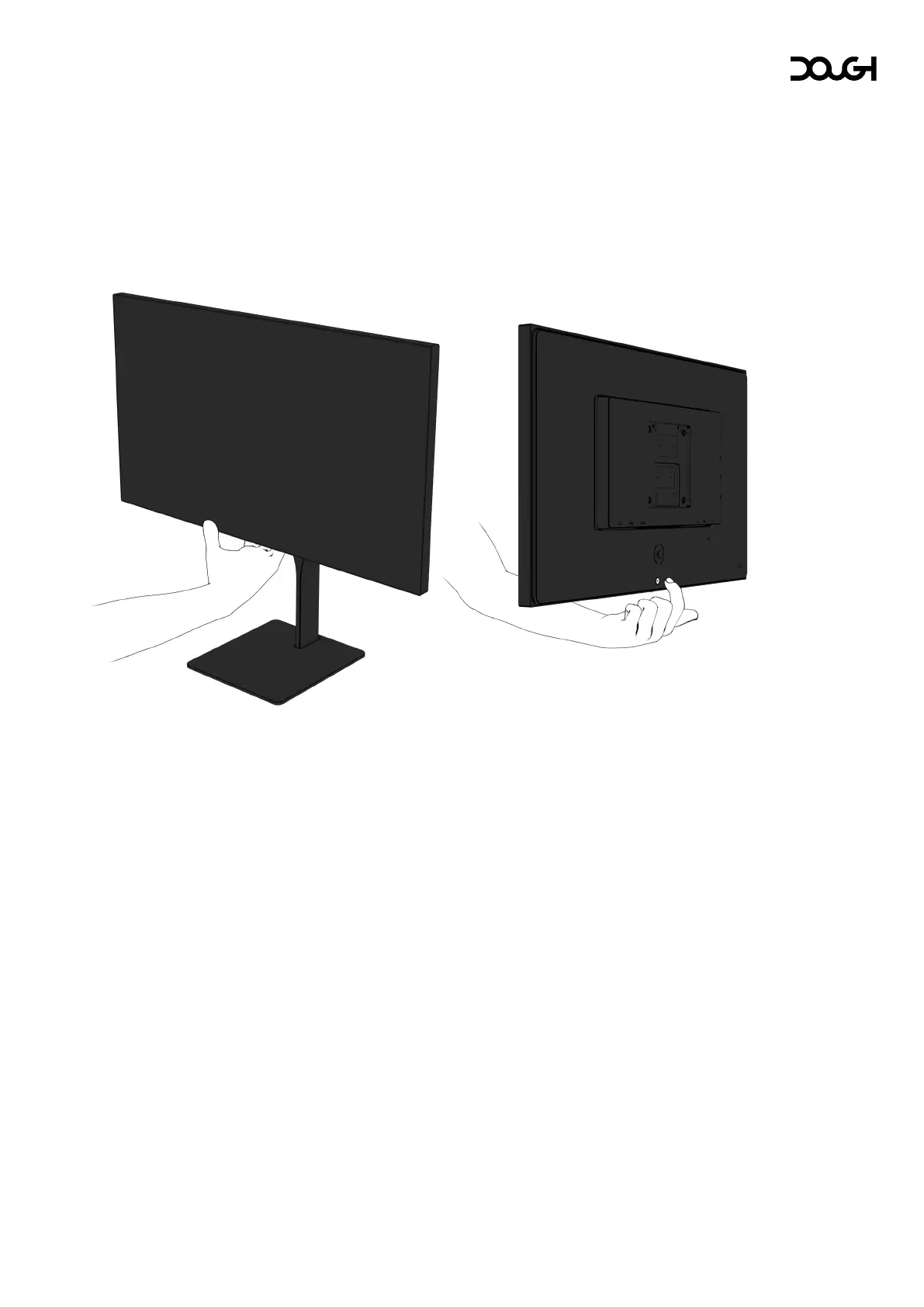
Use the on-screen display (OSD) menu to adjust the monitor screen image based on your
preferences. You can access and make adjustments in the OSD menu using the joystick on the
rear of the monitor by reaching underneath the bottom bezel.
To change Spectrum’s settings, do the following:
1. If the monitor is not already on, press the power button to turn on the monitor.



 To Next Page