37
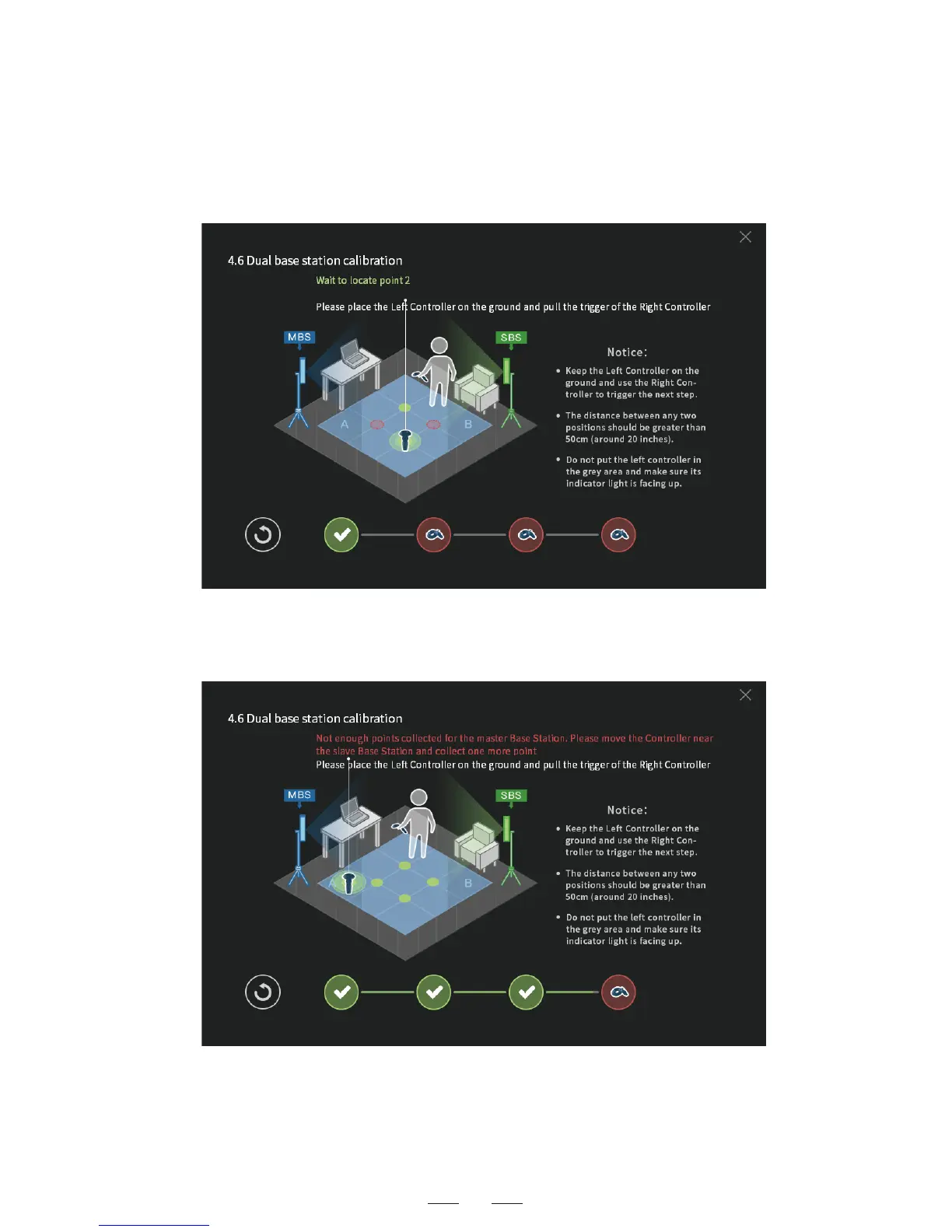
3. Continue with the calibration at the second point. Make sure the
distance between the points is above 50cm. Click to confirm the
calibration.
4. After the calibration at four points, if the following prompt
appears on the page, add more calibration points as per the
instruction, till the calibration succeeds.



 To Next Page