6
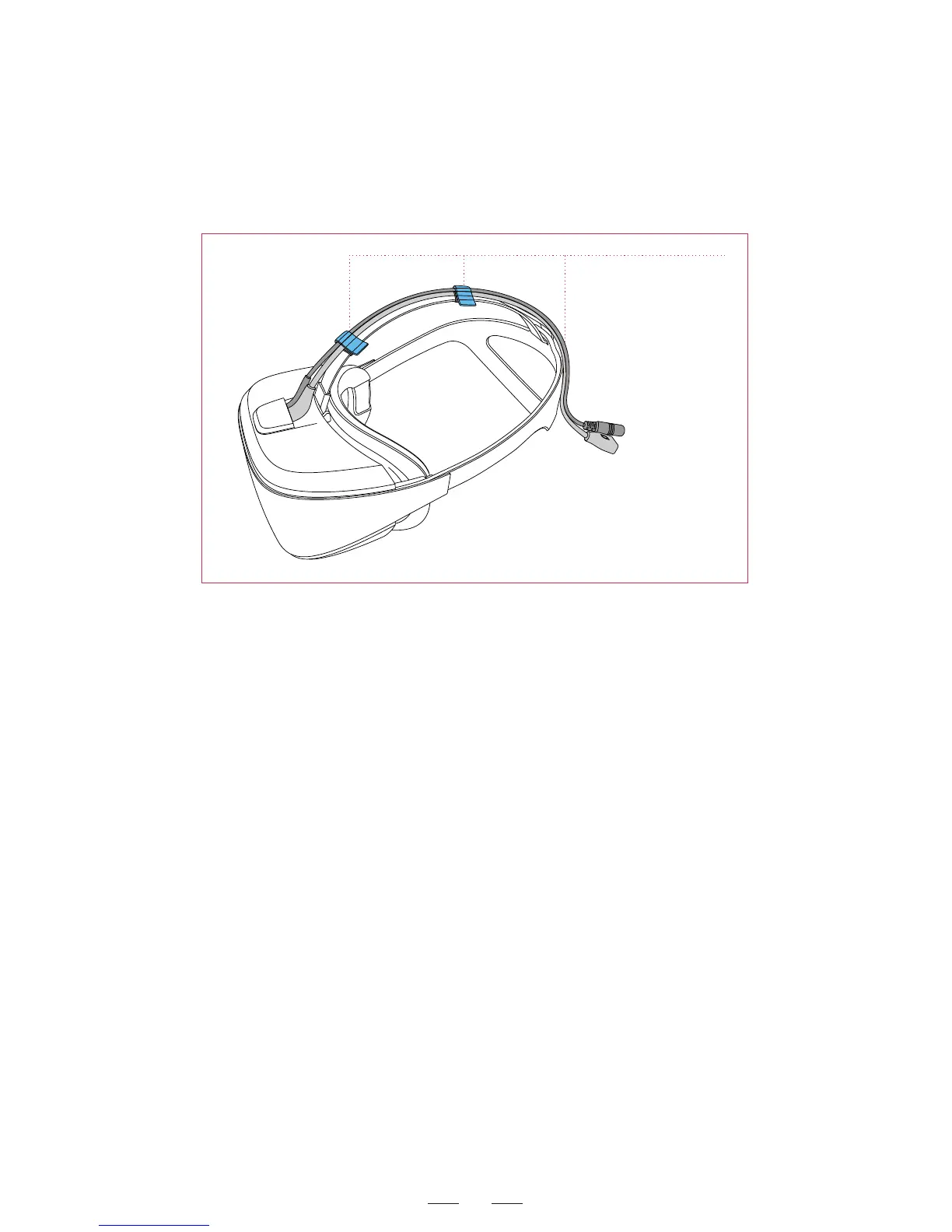
Push the cablie into
the cable ties and
fixing ring.
Replacing cable step 2
For headset without screws: To replace the 3-in-1 cable or audio
cable, prize up the cable cover by using a small screwdriver, draw out
the old cable and insert a new one. Finally resume the cable cover.
Headset indicators
Blue on: Headset is in normal work
Blue flash: Headset is in standby.
Green: Headset is in magnetic calibration process.
Connecting earphone and microphone to headset via the
audio cable
After the audio cable of the headset is connected to an earphone:
1. Select Playback Device from the right-click menu of the sound
icon from the bottom-right corner of computer desktop. The audio
setup window appears.
2. In the audio setup window, choose the desired audio output port,
such as DPVR E3. Click Set as Default.



 To Next Page