40
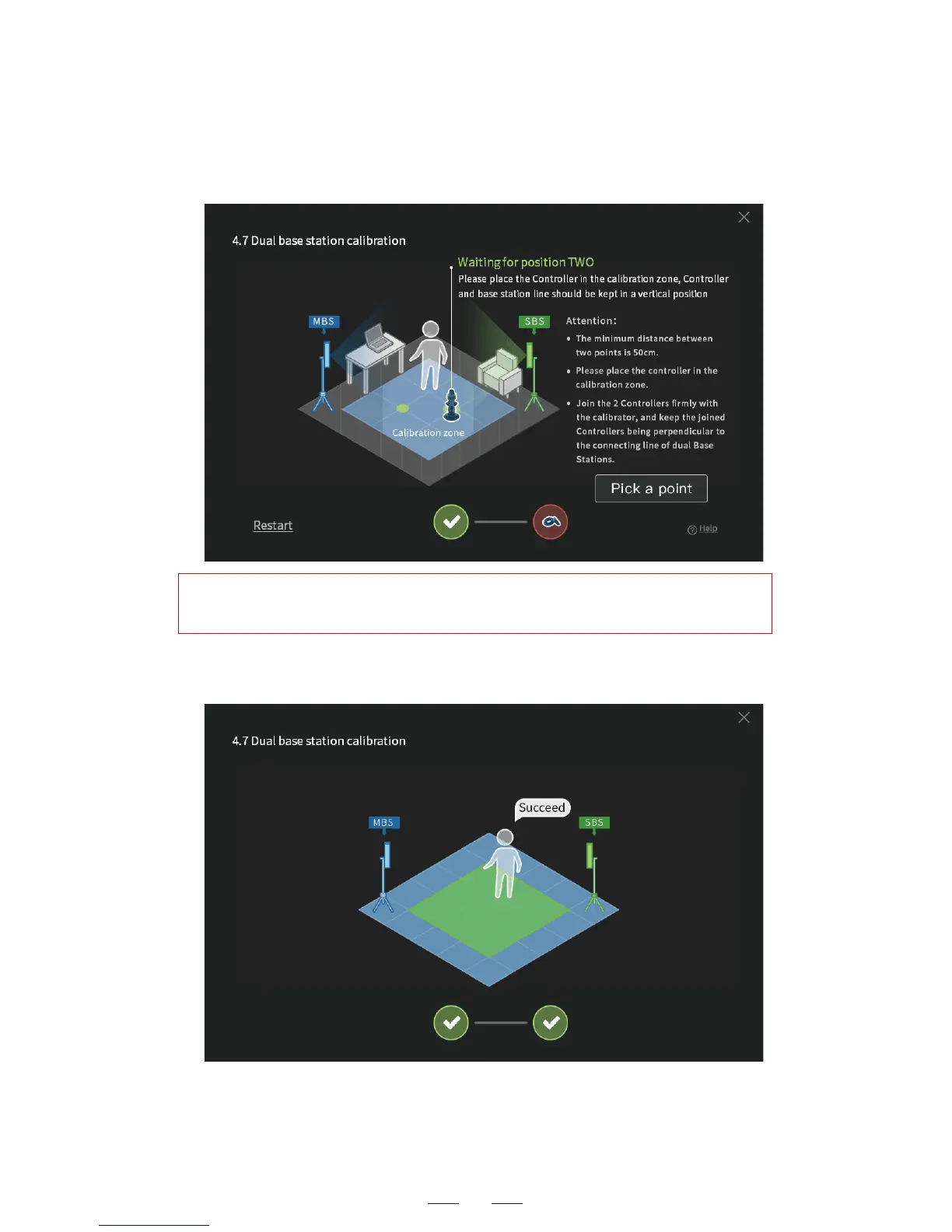
3. Continue with the calibration at the second point. Make sure the
distance between points is above 50cm. Click to confirm calibration.
4. If the positioning fails for several times, click to calibrate again in
the pop-up window. Repeat the steps till the calibration succeeds.
Hint: If the positioning fails, make adjustment by following the
on-screen instruction and click to confirm calibration.



 To Next Page