42
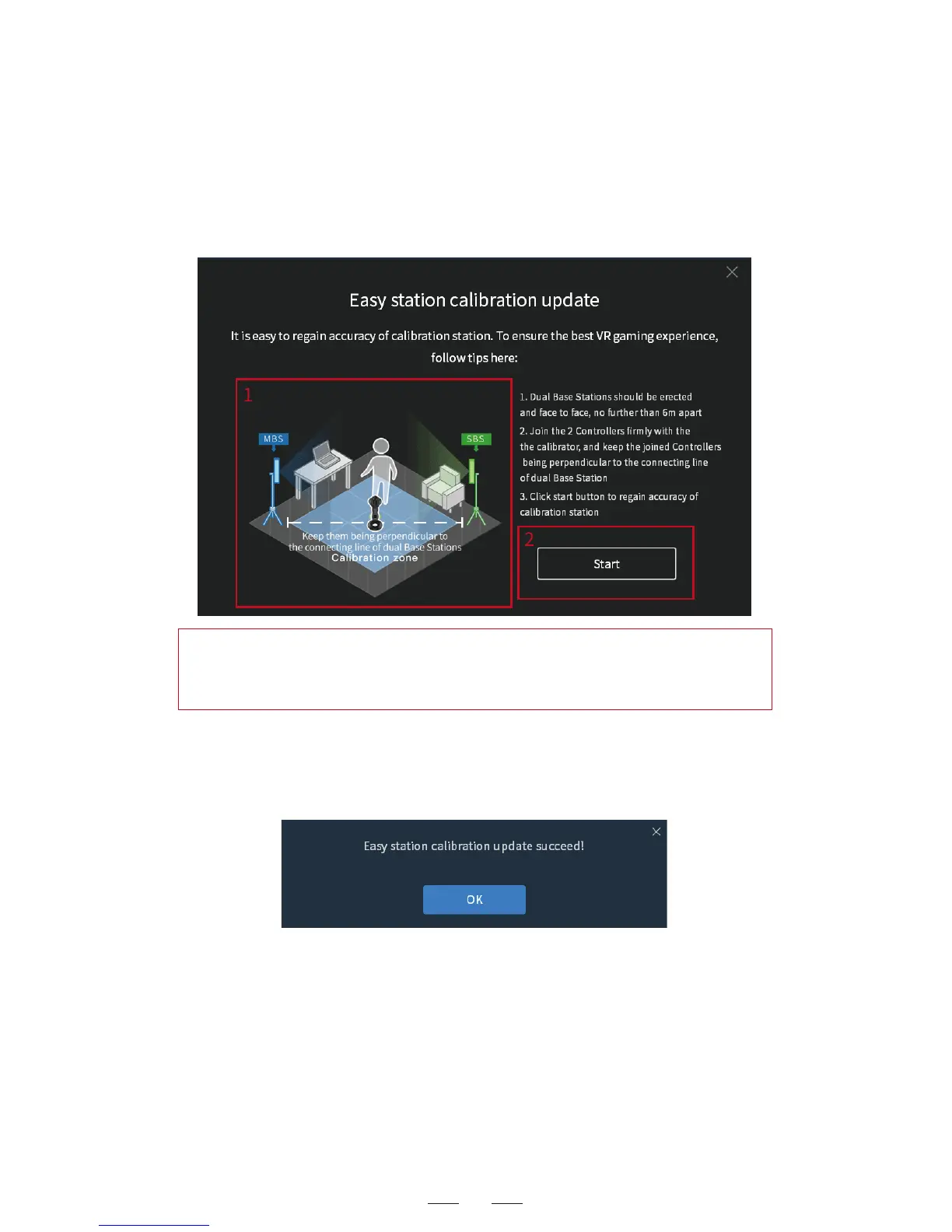
2. Follow the instructions to adjust the relative positions of the two
base stations. Put the connected controller exactly in the middle of
the two base stations and keep the controller perpendicular to the
connection line of both base stations. Click the Easy Calibration
Correction button.
3. The calibration correction tool is started. Press Enter in the
displayed screen to start the calibration correction. After success, a
prompt box appears, as shown below:
4.The calibration correction succeeded.
Hint: During the re-calibration, make sure the headset is connected
to computer normally, and the controller is not in sleep mode and
positioned in the right status.



 To Next Page