37
English
36
6.3 Channel Manager
5) Skip Channels
This submenu allows you to skip channels. Once a channel is set to be skipped, it will be
whenever you navigate channels using / in non-menu mode. You can select TV
or Radio channels in an alternative way by pressing the TV/RADIO button. You can
choose a channel list group by pressing the GROUP button.
ҫ
Note : You can still access a ‘skipped’ channel if you enter its number using the
NUMERIC buttons in non-menu mode.
⊹
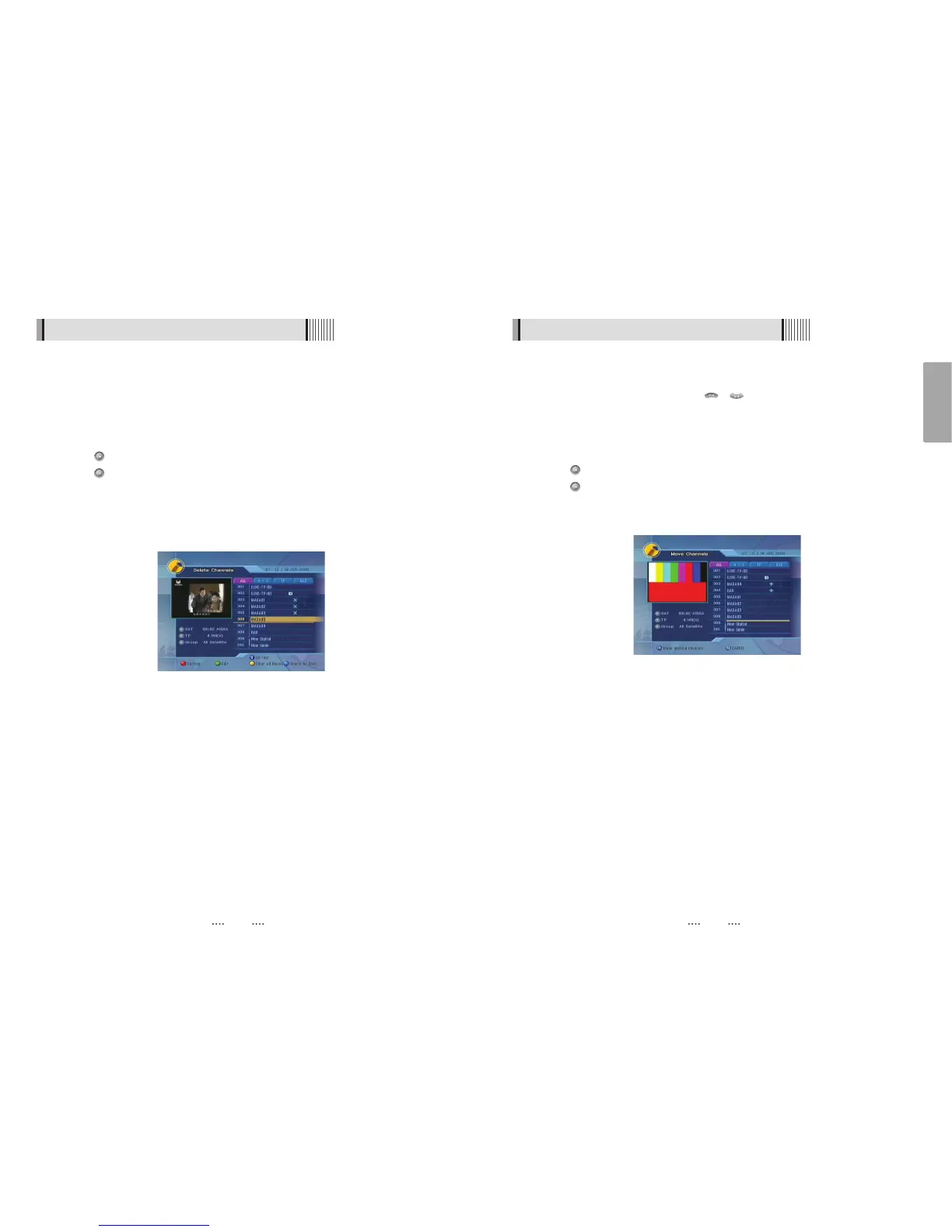
Press on ‘Skip Channels’. The following menu will be displayed.<Figure 6-3-6>
⊺
Press on the channel that you want to skip/un-skip; the skip icon will be displayed /
removed.
⊻
Press the EXIT button to return to the previous menu.
<Figure 6-3-6>
6.3 Channel Manager
4) Delete Channels
This submenu allows you to delete channels. You can select TV or Radio channels in an
alternative way by pressing the TV/RADIO button. You can choose a channel list group
by pressing the GROUP button.
ҫ
Note : Be careful! If you delete a channel, you will not be able to access it again until
you rescan.
⊹
Press on ‘Delete Channels’. The following menu will be displayed. <Figure 6-3-5>
⊺
Press on the channel that you want to set/unset for deletion; the delete icon will
be displayed/removed.
⊻
Press the INFO button to delete all channels in the current list; you will be asked to
enter your password.
⊼ Press the EXIT button to return to the previous menu and confirm deletion.
<Figure 6-3-5>



 To Next Page