41
English
40
6.5 Utils
3) MP3 Menu
This submenu allows you to play various MP3 files, view JPG files or download a new
software by connecting your USB flash drive.
⊹
Select the MP3 file you want to play back by using / , in the file list. <Figure
6-5-3>
⊺
Press the EXIT button to hide the file list. You can then select an option using / ,
. <Figure 6-5-4>
⊻
You can then change the volume by pressing / .
⊼ Press on to display the MP3 file list.
⊽ Press on to display information about the selected MP3 file.
- FILELIST : Shows/Hides the MP3 file list
- INFO : Shows information about the MP3 file you selected.
- YELLOW : Choose the Hard disk volume or usb device with USB hub.
<Figure 6-5-3> <Figure 6-5-4>
6.5 Utils
1) Calendar
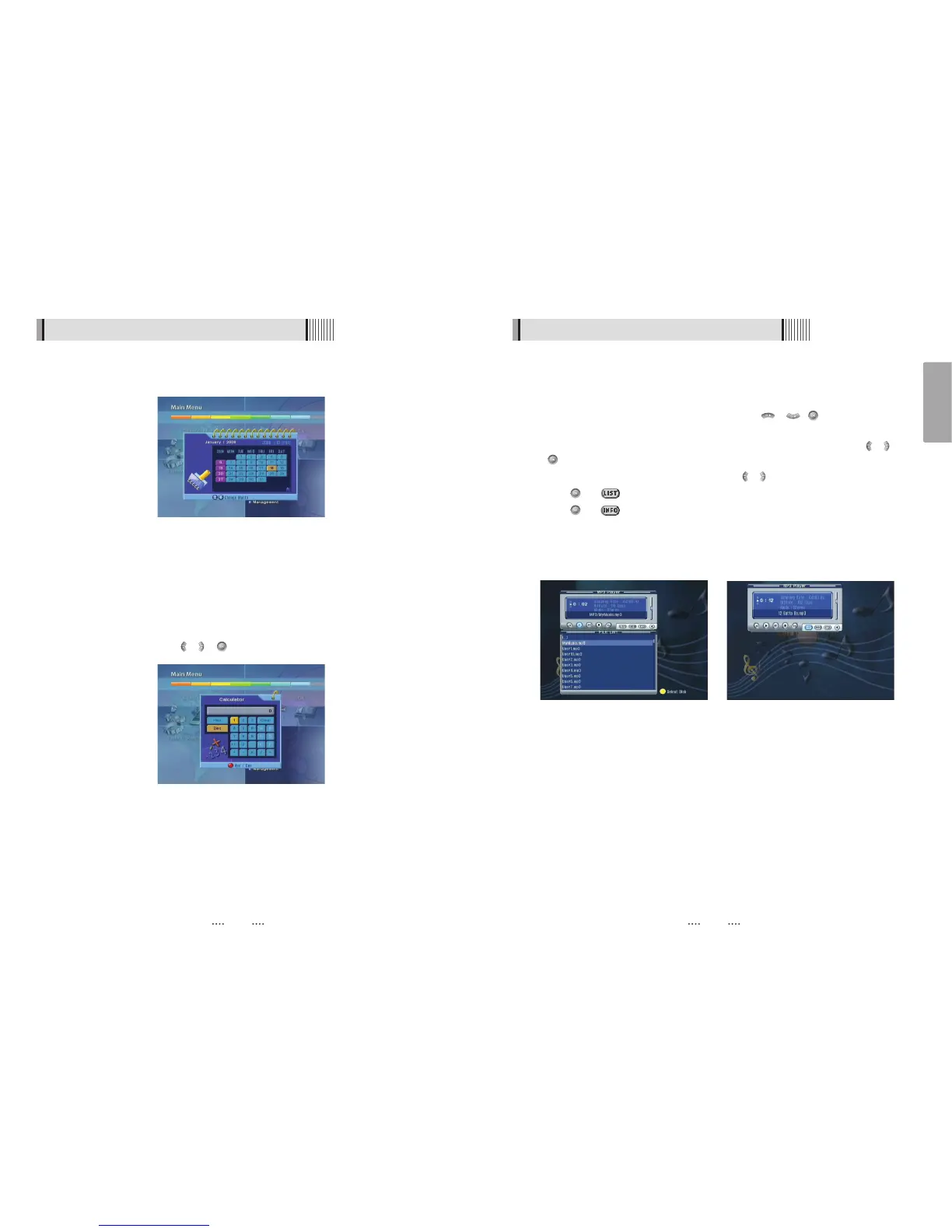
This submenu allows you to use a calendar on the screen <Figure 6-5-1>
2) Calculator
This submenu allows you to use a calculator on the screen. <Figure 6-5-2>
- You can switch between Hex (Hexadecimal) and Dec (Decimal) basis for arithmetic
with the RED button of the remote control unit.
- Use the Numerical and the / / buttons on the remote control unit.
<Figure 6-5-1>
<Figure 6-5-2>



 To Next Page