61
English
60
Trouble Shooting
There may be various reasons for the abnormal operation of the unit. Therefore, if the unit
does not work properly, check it according to the procedures shown in the table below:
Problem Possible causes Remedy
LED on front panel AC power cord is not Make sure that power cord is
does not light. connected. connected properly into the
power socket.
Make sure power switch is on.
No Picture or sound The video/audio output of the Make sure that video/audio
receiver with TV is connected. cable is connected to the TV.
The aerial is not connected to Make sure that the aerial is
the receiver. connected properly to the
receiver.
Menu setting is not done Make sure that menu setting is
properly. done properly on each menu.
If you are not sure about
proper menu setting, please
contact your local dealer.
Black-and-white Your TV mode is different from Use TV of same mode.
screen broadcasting mode. Use the NITSC/PAL converter
connected to the receiver and
TV.
The remote Battery exhausted. Change the batteries of remote
controller is not Remote controller is incorrectly control.
working. aimed. Aim the remote control at the
Receiver correctly.
6.9 PVR
7) Time Shift
⊹
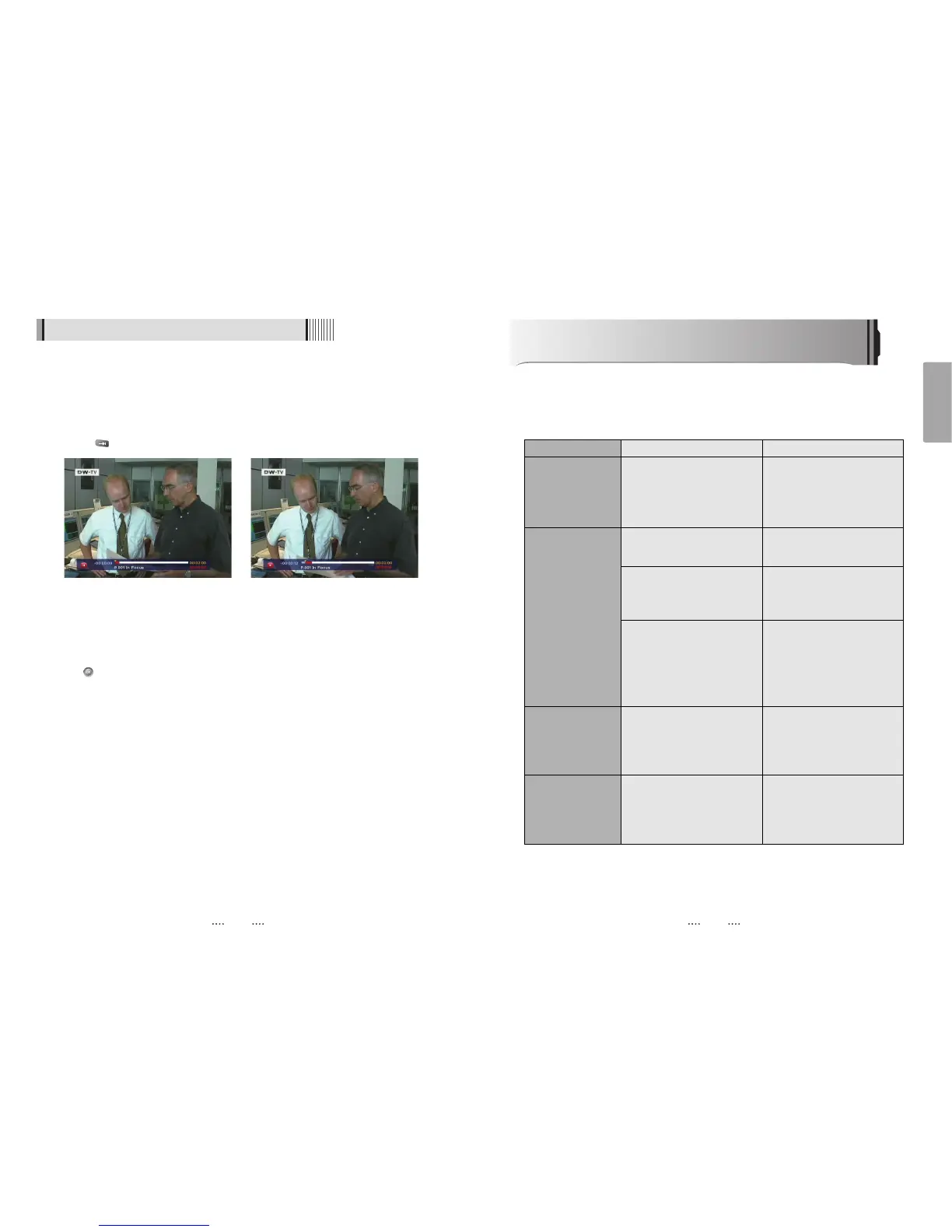
If you want to pause and resume live TV channel, press PAUSE button. The default
time of Time-Shift is 30 min in your STB.<Figure 6-9-16>
⊺
If you want to resume live TV channel, press PLAY button. <Figure 6-9-17>
The trick-mode operations are provided. If you want to jump to live channel, please
press .
8) Divx Play
Press
Ȟ
button to display divx file list.
Press button to play the selected file.
<Figure 6-9-16> <Figure 6-9-17>



 To Next Page