47
English
46
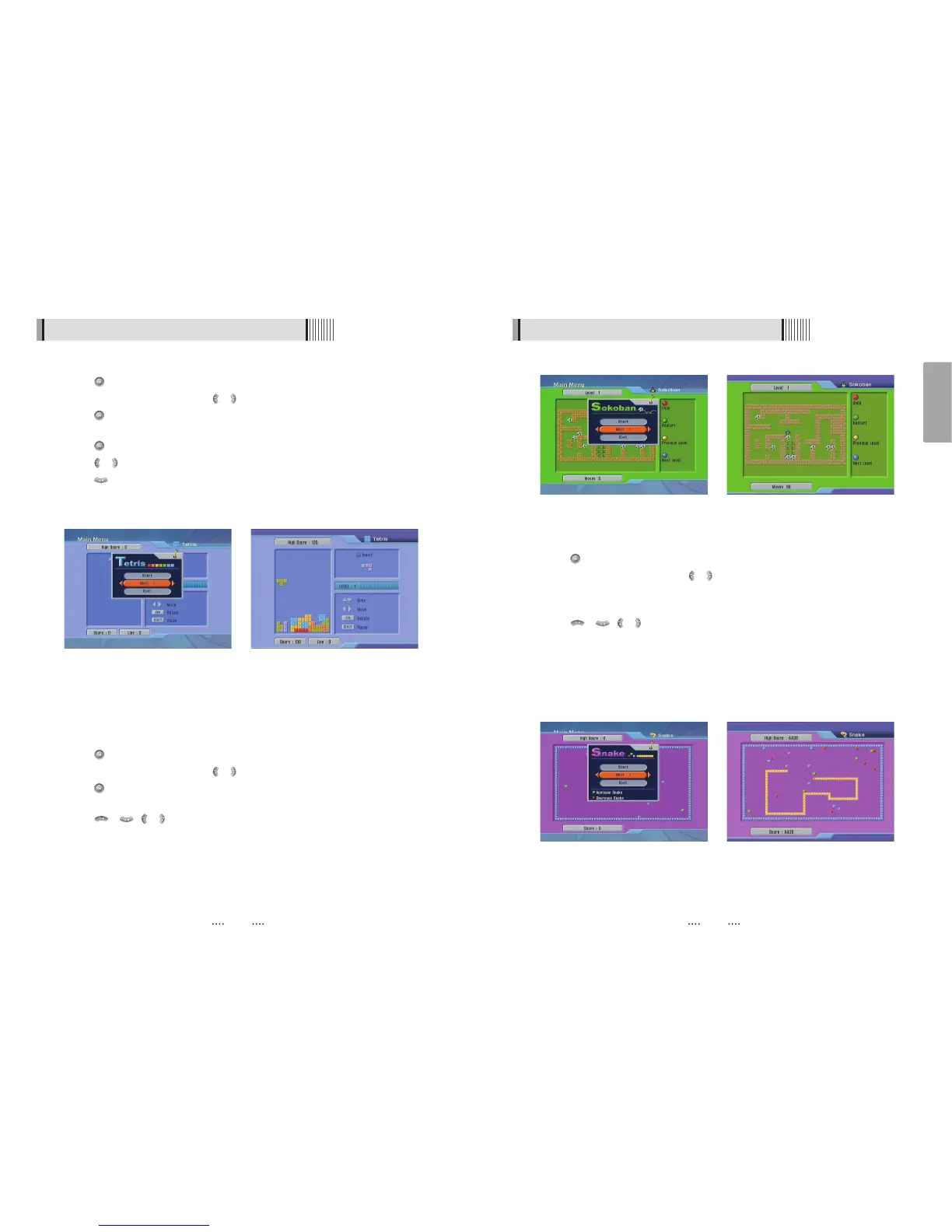
<Figure 6-6-3> <Figure 6-6-4>
6.6 Game
3) Snake
⊹
Press on ‘Snake’. The following menu will be displayed. <Figure 6-6-5>
⊺
You can choose a skill level using / .
⊻
Press to start the game <Figure 6-6-6>, or press the EXIT button to return to the
previous menu.
⊼ Press / , / to move.
⊽ Pass through the GREEN icon to increase your score; the length of the snake
increases.
≊ Pass through the RED icon to decrease the snake’s length.
≋ Avoid the BLACK icons. If you hit a BLACK icon (block), the game ends.
≌ Press the EXIT button to quit the game.
<Figure 6-6-5> <Figure 6-6-6>
6.6 Game
1) Tetris
⊹
Press on ‘Tetris’. The following menu will be displayed. <Figure 6-6-1>
⊺
You can choose a skill level using / .
⊻
Press to start the game <Figure 6-6-2>, or press the EXIT button to return to the
previous menu.
⊼ Press to rotate a block.
⊽ Press / to move a block.
≊ Press to drop a block.
≋ You can see the next block in the top-right small window.
≌ Press the EXIT button to quit the game
2) Sokoban
How to play Sokoban: you have to push the balls to their correct positions. The balls can
only be pushed, never pulled, so you have to be careful not to push them into a corner
where you can’t get them out from. You can only push one ball at a time.
⊹
Press on ‘Sokoban’. The following menu will be displayed. <Figure 6-6-3>
⊺
You can choose a skill level using / .
⊻
Press to start the game <Figure 6-6-4>, or press the EXIT button to return to the
previous menu.
⊼ Press / , / to move.
⊽ Press the RED button to undo the previous move. You can undo only one step.
≊ Press the GREEN button to restart the game.
≋ Press the YELLOW/BLUE buttons to jump to the previous/ next level. You can jump
only between completed levels.
≌ Press the EXIT button to quit the game.
<Figure 6-6-1> <Figure 6-6-2>



 To Next Page