45
English
44
6.5 Utils
7) File Manager
⊹
Press YELLOW button for connect PC.
⊺
Press button after input IP address of PC.
⊻
Press button after choose target.
ҫ
Note : Have to run PC tool before connect PC.
⊼ Press Right button and Press RED for chooses files.
⊽ Press button to choose Copy/Move/NewFolder/Delete/Rename after press MENU
button.
≊ If select copy or move, press button to move target for paste.
≋ Press MENU button to paste target.
≌ Select a Paste for Copying or Moving files.
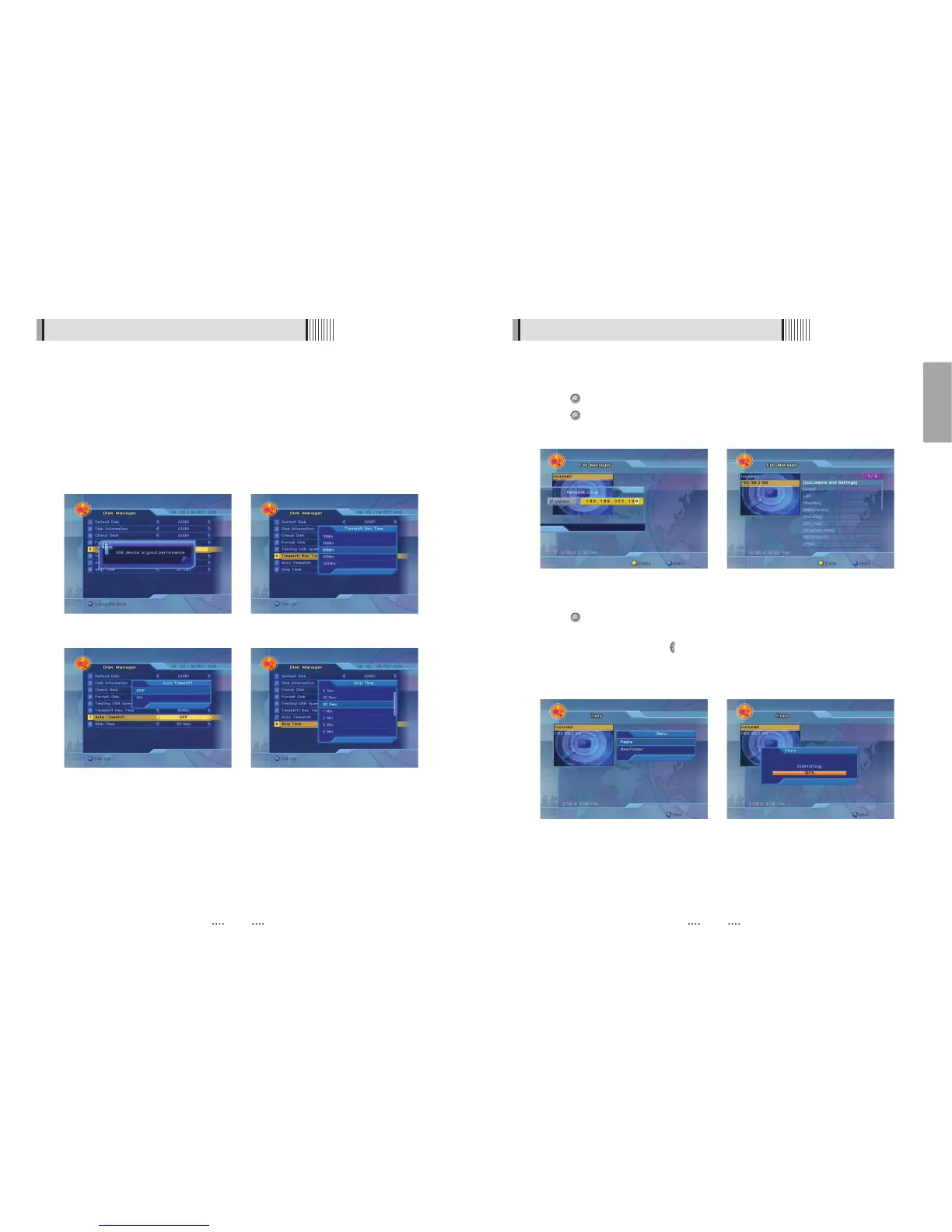
<Figure 6-5-10> <Figure 6-5-11>
<Figure 6-5-12> <Figure 6-5-13>
6.5 Utils
- Testing USB speed : Choose the Hard disk volume or usb device with USB hub. You can
test USB speed the usb device <Figure 6-5-10>
ҫ
It works even its status is bad performance.
- Timeshift Rec Time : Set timeshift record time.(10 / 30 / 60 / 90 / 120 Min).
<Figure 6-5-11>
- Auto Timeshift : Set automatic timeshift On/Off. <Figure 6-5-12>
- Skip Time : Set jump time when you press / key on RCU during file playback.
<Figure 6-5-13>
<Figure 6-5-10> <Figure 6-5-11>
<Figure 6-5-12> <Figure 6-5-13>



 To Next Page