39
English
38
6.4 Installation
4) System Information
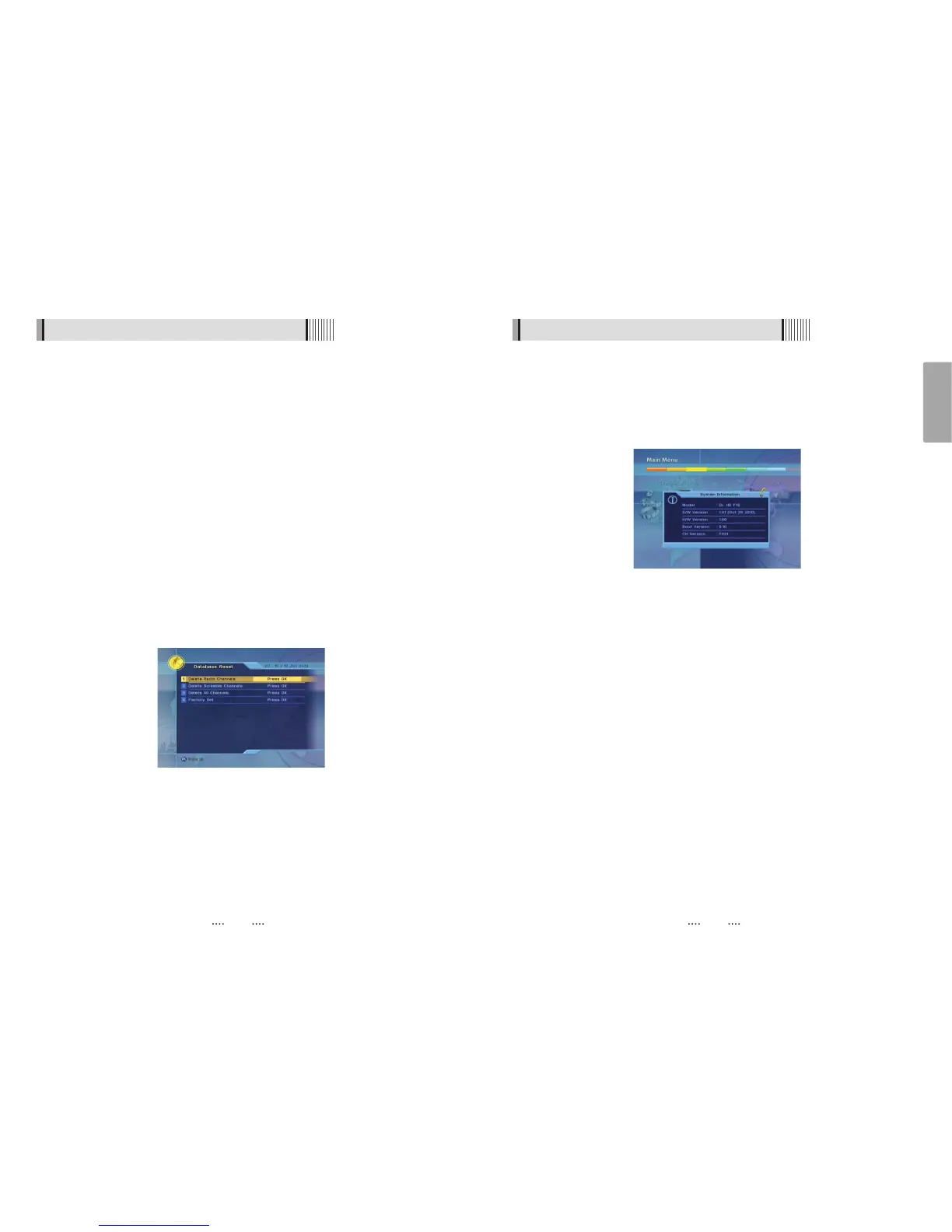
You can check the current information about your receiver such as receiver model
name, S/W (software) version, H/W (hardware) version, manufacturing date, etc. <Figure
6-4-2>
ҫ
Note : This information is useful to download new software and/or repair the receiver.
<Figure 6-4-2>
6.4 Installation
1) Dish Setting
Select the item that you want to edit, and set its parameters as desired. <Dish Setting>
See (6.1 Getting Started 3) Dish setup) for detailed description.
2) Channel Search
Through this function, the receiver searches for all the available channels and saves
them in Memory. Chose Auto Scan to search using transponders (frequencies) in
memory, or chose Blind Scan to look for new satellite/transponders.
See (6.1 Getting Started 4) Channel Search) for detailed description.
3) Database Reset
This submenu allows you to restore the factory set values (useful when encountering
problems after changing settings). <Figure 6-4-1>
- Delete Radio Channels : Erase all radio channels in the database.
- Delete Scramble Channels : Erase all scramble channels in the database.
- Delete All Channels : Erase all channels.
- Factory Set : Erase all channels and restore the factory default settings.
<Figure 6-4-1>



 To Next Page