14
SECTION 4 | STARTING THE DEVICE
Dramiński DOD2 will be ready for use if the batteries are
correctly inserted in the battery compartment (pay atten
-
tion to the correct polarity).
Turn on the device with the
key.
a) A welcome message will appear on the display speci
-
fying the name of the device, software version and se-
rial number.
www.draminski.com
Dog Ovulation Detector
Firmware rev: 1.19
SN: DOD000025DM
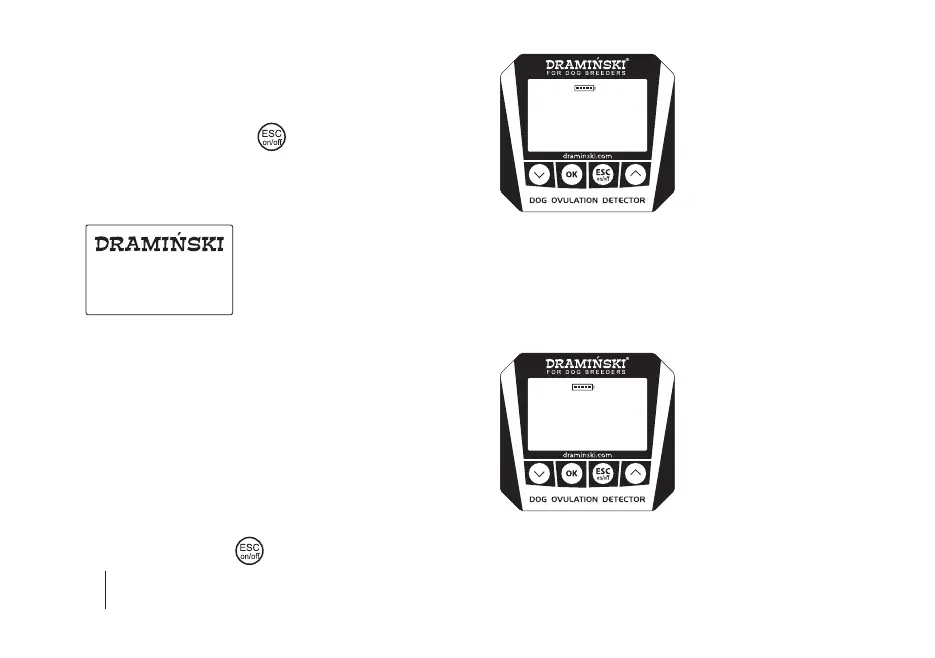
b) Then the device switches to measurement mode. In the
upper part of the display the model of the device and the
current battery status will appear, in the middle part of
the display 3 numbers will appear, 1 of which will ash in
-
forming that the device is waiting for 1 of the 3 measure-
ments after which the result will appear (in the menu you
can change the number of readings in the measurement
cycle). In the lower part of the display there are currently
available menu functions above specic keyboard keys
(e.g. if you click on the
key, the menu will start).
DOD
1 2 3
MenuStartList
If you switch on the advanced mode in the menu, the dis-
play also shows the name of the bitch for which the results
will be stored in a directory, the current date and time, and
the ability to save the result to memory.
DOD
LASSIE
01.01.2019
11:50
420
Menu SaveOKList


 To Next Page