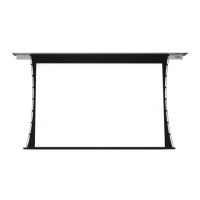
Section 8 - Dimensions
Section 7 - Accessing Internal Low-Voltage Control Unit
(LVC-IV)
PLEASE NOTE: Applies ONLY if Unit is built into case.
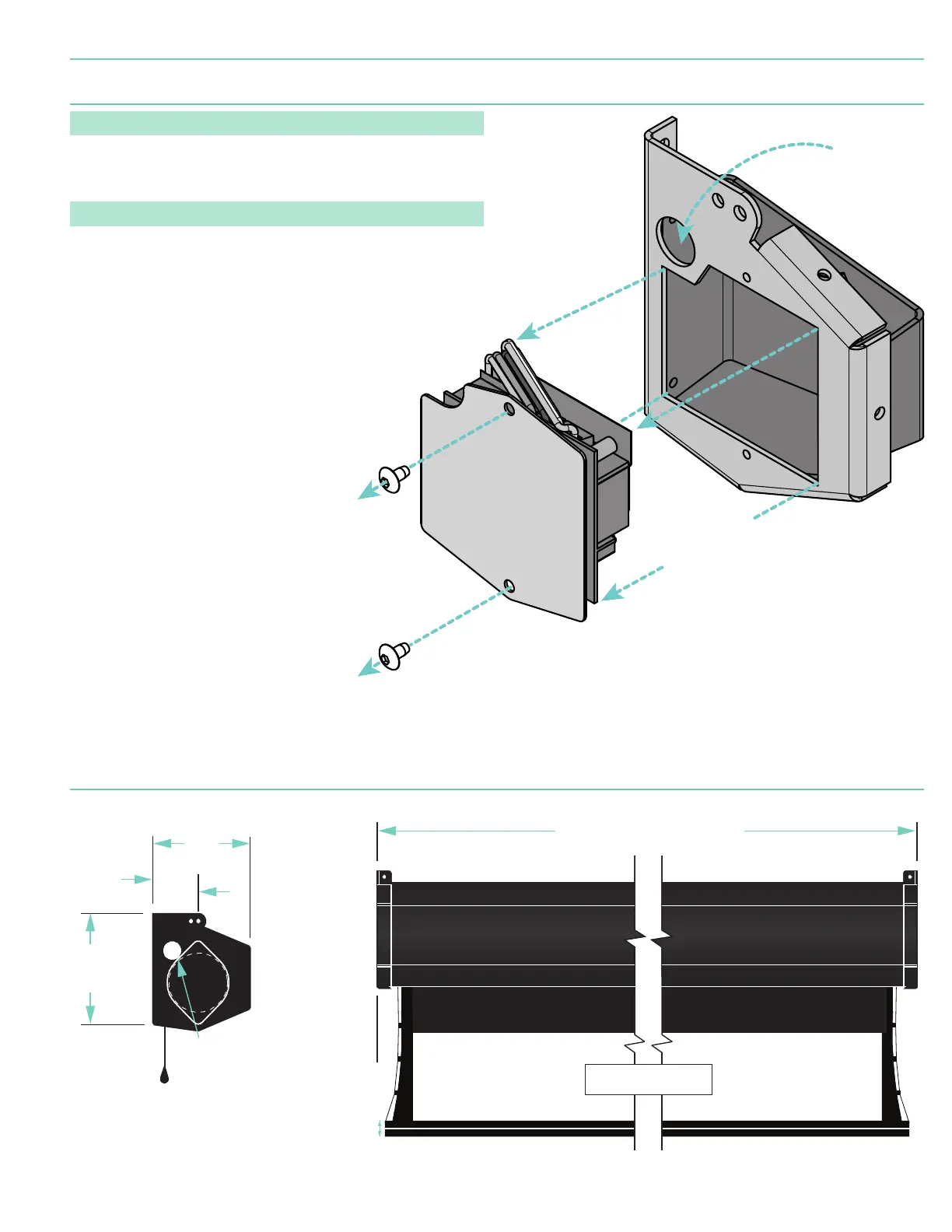
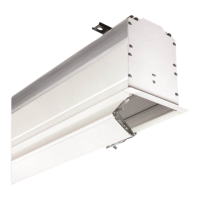
1.. Locate LVC-IV Unit.
2. Remove the two
(2)
star head screws from the motor end of the screen housing.
3. Remove the access panel with the LVC-IV from the screen housing.
PLEASE NOTE: Internal LVC-IV will increase overall case length by 1 ⁄"
(46mm)
.
Remove two (2)
screws from
endcap.
Remove
access panel
with LVC-IV.
*A second electrical connection hole
is included in the screen housing
in order to separate Low-Voltage
and High-Voltage Wiring.
Connection
Hole*
Figure 12
2⁄"
(59mm)
5⁄"
(149mm)
5¼"
(133mm)
⁄"
(22mm)
dia.
electrical connection
hole
2⁄"
(54mm)
Viewing Surface
Fabric width + 7"
(178mm)
2⁄"
(59mm)
5⁄"
(133mm)
⁄"
(22mm)
dia.
electrical connection
hole
2⁄"
(54mm)
Viewing Surface
Fabric width + 7"
(178mm)
page 5 of 7
Premier


 To Next Page