The default SSID is "default". We suggest you change it to a particular
name. In this case, SSID was changed to “DrayTek”.
SSID (Service Set Identifier): It is used to name the wireless LAN, and
must have the same content in client PC/notebook wireless card(s). SSID
can be any text numbers or various special characters.
Channel: A wireless channel for the router. The default channel is 6. You
can change it to more appropriate one if the selected channel is under
serious interference.
5. Hide SSID:
Check it to prevent from wireless sniffing and make it harder for
unauthorized clients to join your wireless LAN.
6. Click OK to save settings.
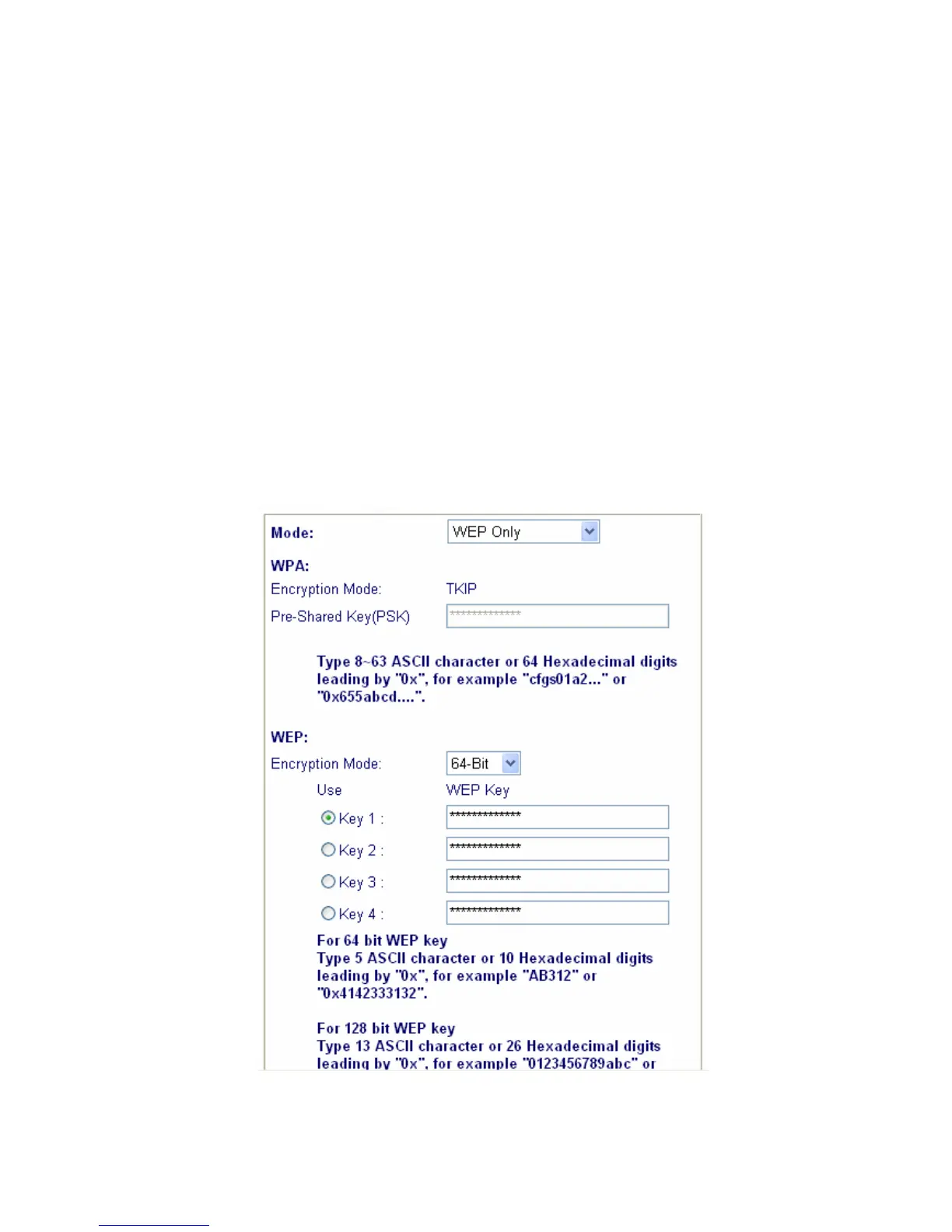
3.2 Security
Click Security to configure the security options.



 To Next Page