C. For PPTP Users
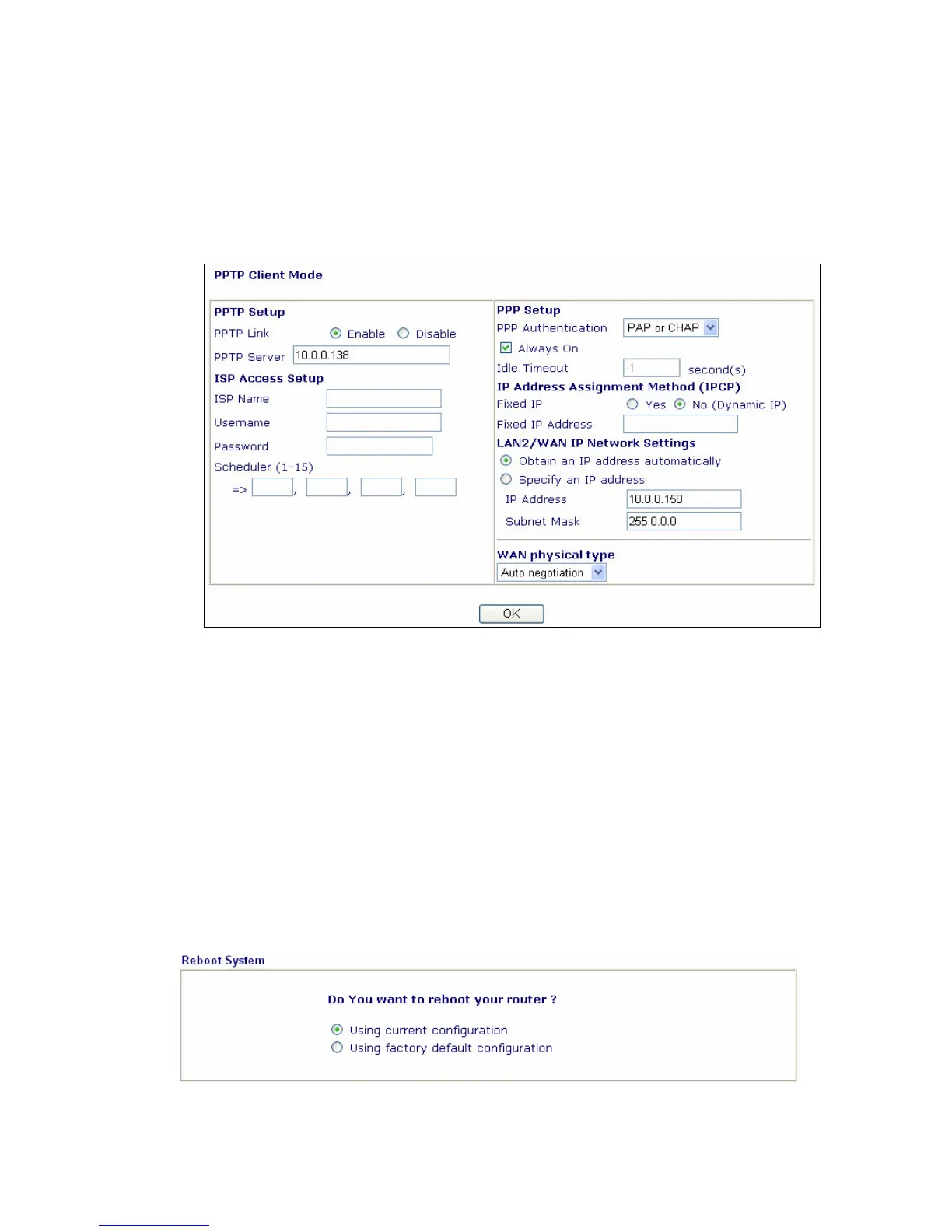
1. Check that whether the Enable option is selected.
2. Check that whether PPTP Server, Username, Password is entered the
correct value given by your ISP.
3. Check that whether LAN2/WAN IP Network Settings is set appropriately or
not. You need to enter “Specify an IP address”, IP Address and Subnet
Mask with the correct value.
If the router settings are correct at all, and the router still does not connect, please
contact your ISP technical support representative to help you for configuration.
Step 5.
Back to Factory Default Setting
Warming: After pressing the "factory default setting", you will loose all settings
you did before. Make sure you have recorded all useful settings. The password of
factory default is null.
A Software Reset
You can also reset router to factory default via Web configurator.



 To Next Page