Step 3
Can You Ping the Router from PC?
The default gateway IP address of the router is 192.168.1.1. Please check
that if you can ping the router correctly.
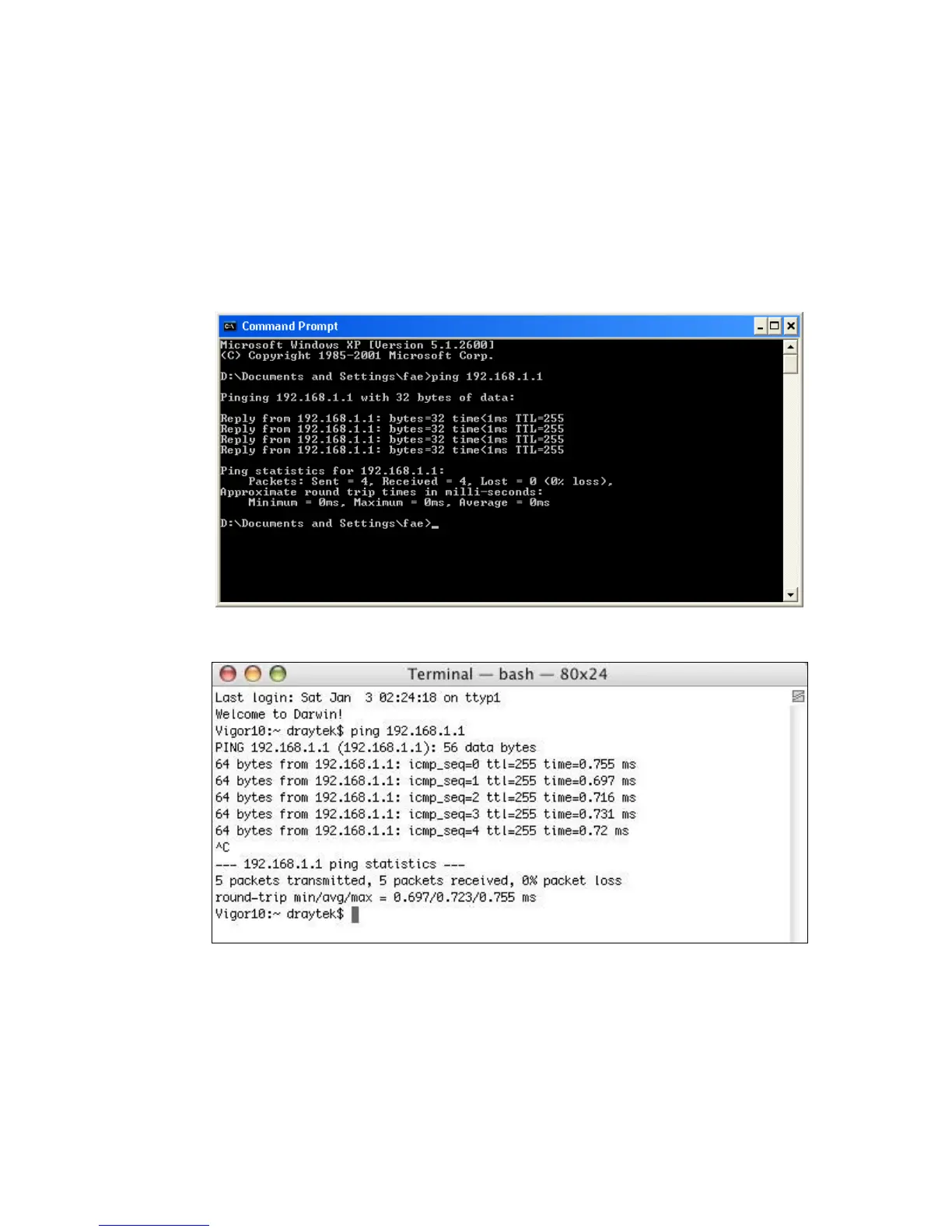
A. For Windows
1. Open the Command Prompt window (from start menu> Run )
2. Type command (for Windows 95/98/ME) or cmd (for Windows NT/ 2000/XP).
3. Type ping 192.168.1.1 and press [Enter]
B. For Mac (Terminal)
The important thing is that the computer receives a reply from 192.168.1.1. If not,
please check the IP address of your PC. We suggest you set the network
connection as get IP automatically. (Please refer to the Step 2)



 To Next Page