To manually dial the backup number via PSTN enter “#0” on your telephone
handset, and then dial a PSTN phone number. If you are worried that the
automatic loop through might over charge your PSTN phone number, we
recommend you not to enter your PSTN phone number into the “Backup
Phone Number” entry. That way you can only run loop through by manually
dialing a PSTN number.
4.2 SIP Related Function Setup
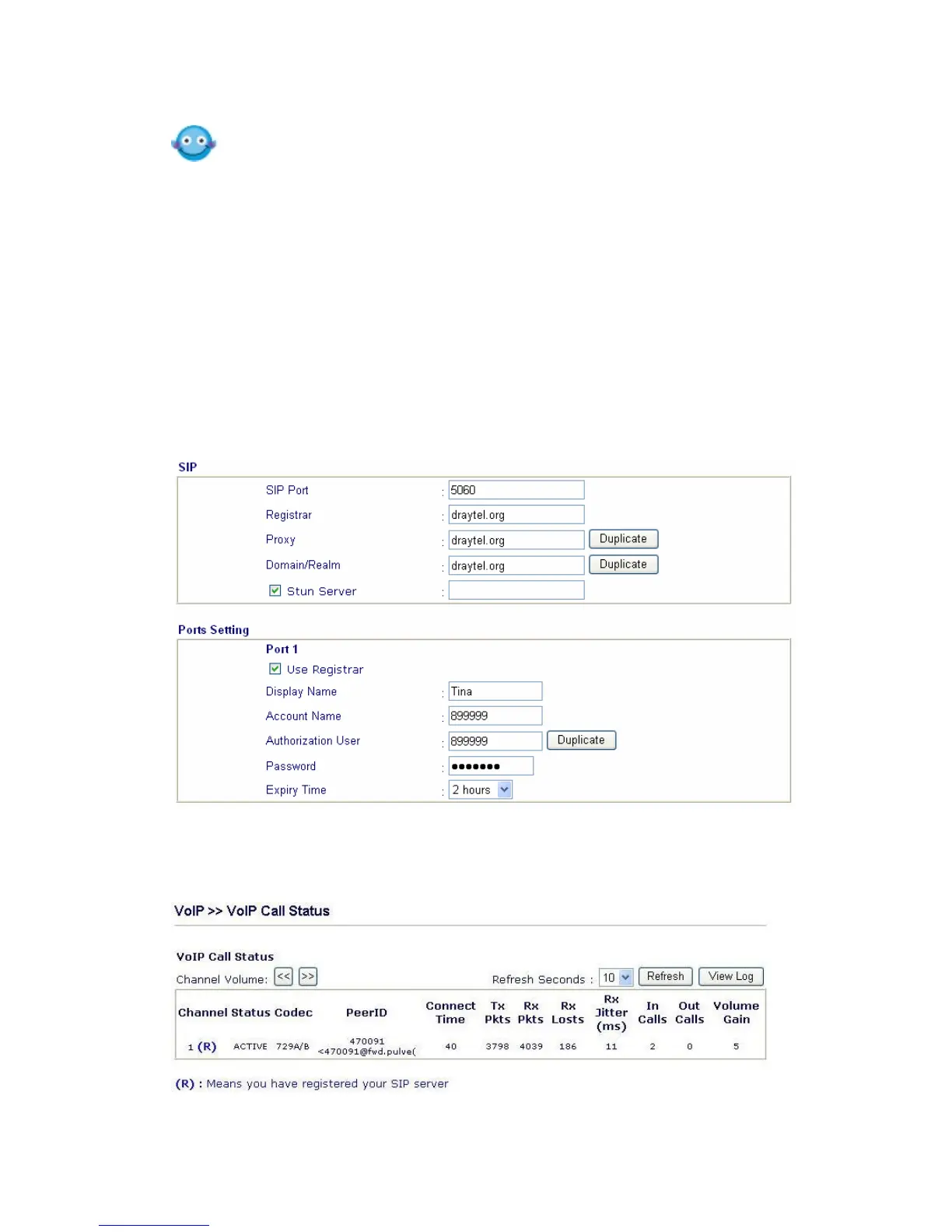
Once you are registered with a SIP Server (e.g. DrayTEL) set your SIP
username and password in the appropriate boxes (detailed explanation below).
In the Registrar box enter the entire domain of the SIP server – everything after
the @ sign of your SIP address. Click OK and your router will log onto the SIP
server.
In the “VoIP Call Status” you will find an “R” indicating you have registered with
your SIP server.



 To Next Page