VigorFly 200 Series User’s Guide
123
4
4
.
.
8
8
D
D
i
i
a
a
g
g
n
n
o
o
s
s
t
t
i
i
c
c
s
s
Diagnostic Tools provide a useful way to view or diagnose the status of your Vigor router.
Below shows the menu items for Diagnostics.
4
4
.
.
8
8
.
.
1
1
S
S
y
y
s
s
t
t
e
e
m
m
L
L
o
o
g
g
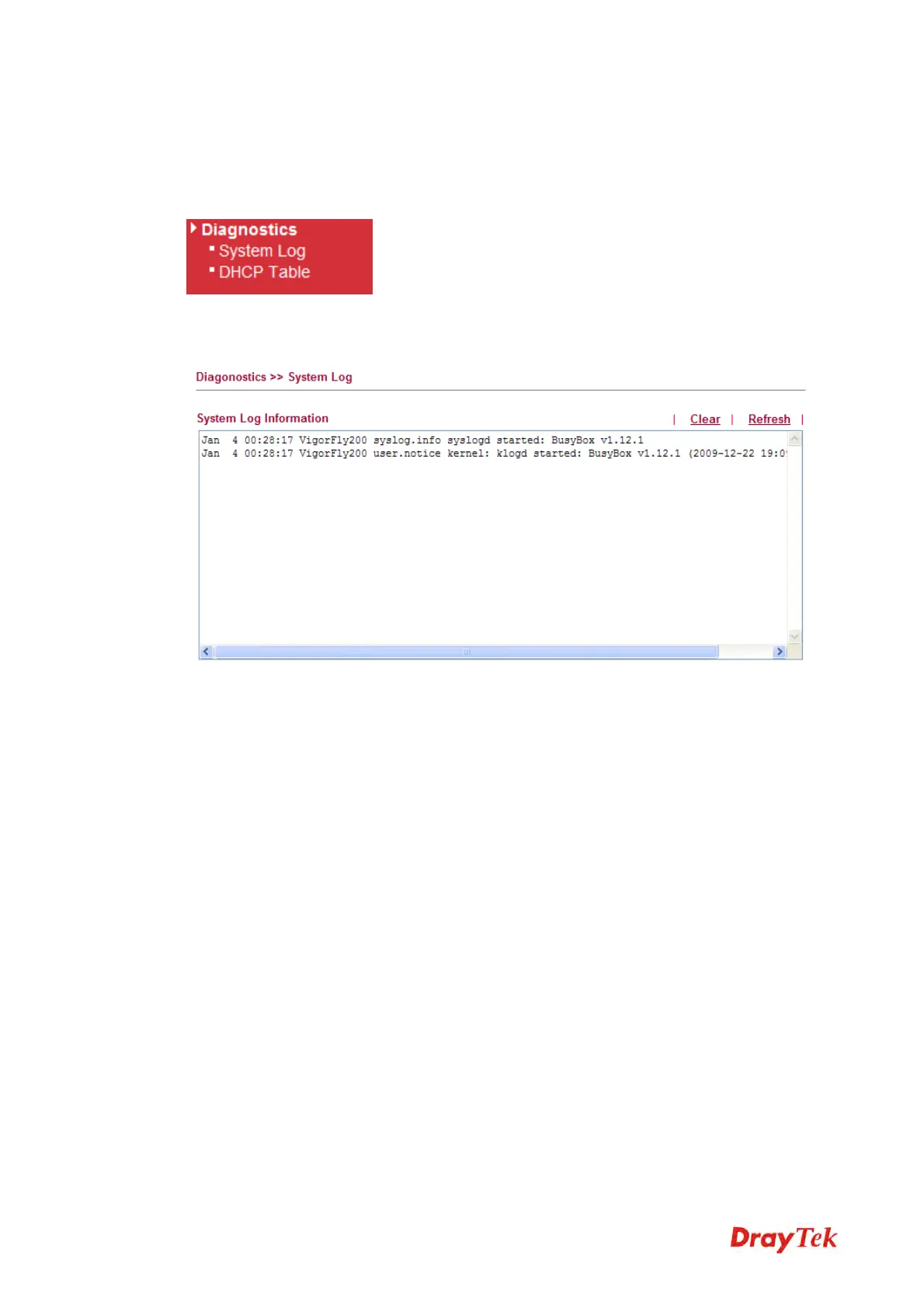
Click Diagnostics and click System Log to open the web page.
Clear
Click it to clear this page.
Refresh
Click it to reload the page.



 To Next Page