VigorFly 200 Series User’s Guide
63
3
3
.
.
6
6
.
.
4
4
F
F
i
i
r
r
m
m
w
w
a
a
r
r
e
e
U
U
p
p
g
g
r
r
a
a
d
d
e
e
Before upgrading your router firmware, you need to install the Router Tools. The Firmware
Upgrade Utility is included in the tools. The following web page will guide you to upgrade
firmware by using an example. Note that this example is running over Windows OS
(Operating System).
Download the newest firmware from DrayTek's web site or FTP site. The DrayTek web site is
www.draytek.com (or local DrayTek's web site) and FTP site is ftp.draytek.com.
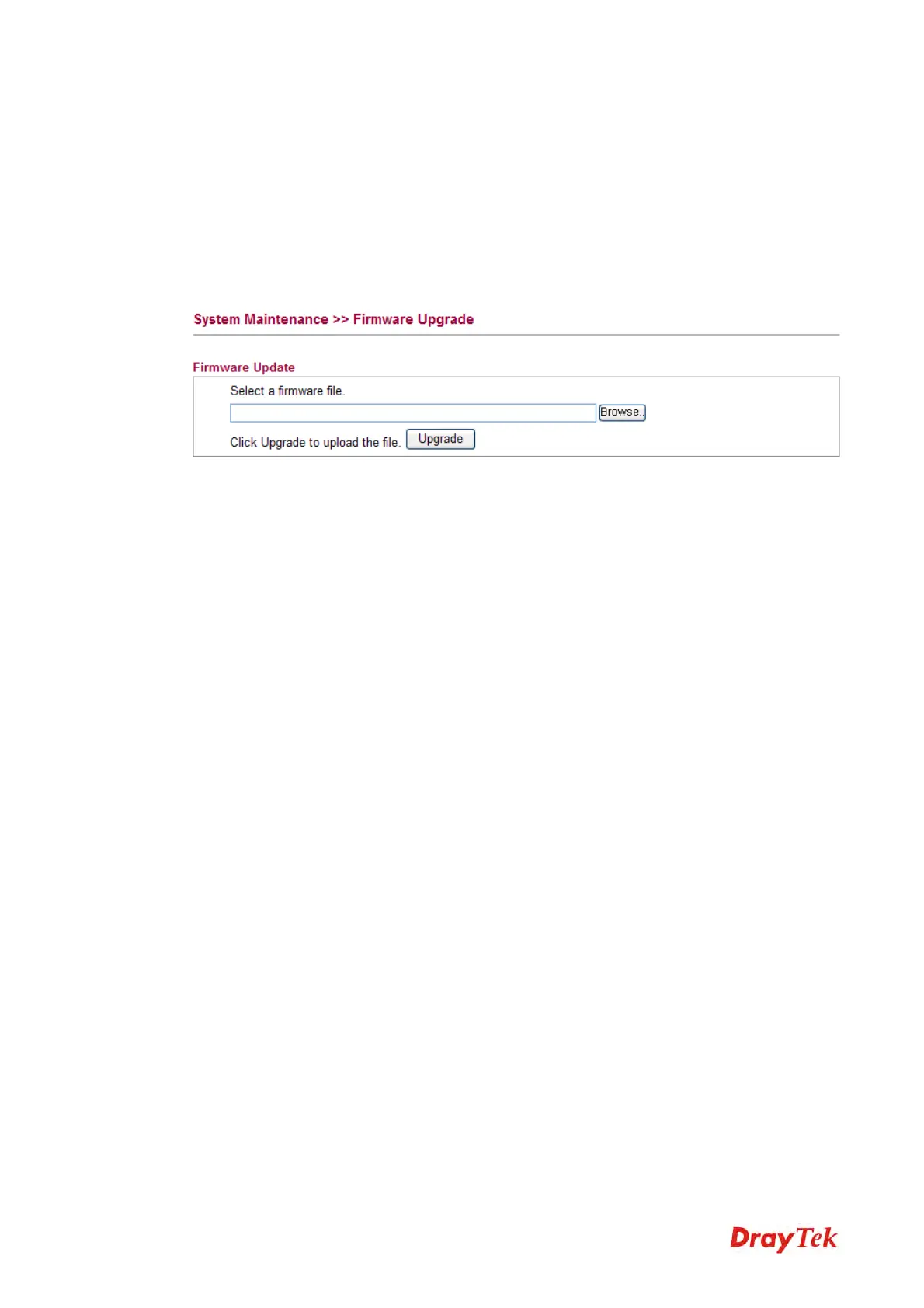
Click System Maintenance>> Firmware Upgrade to launch the Firmware Upgrade Utility.
Click Browse.. to locate the newest firmware and click Upgrade. During the process of
upgrade, do not turn off your router.



 To Next Page