VigorFly 200 Series User’s Guide
135
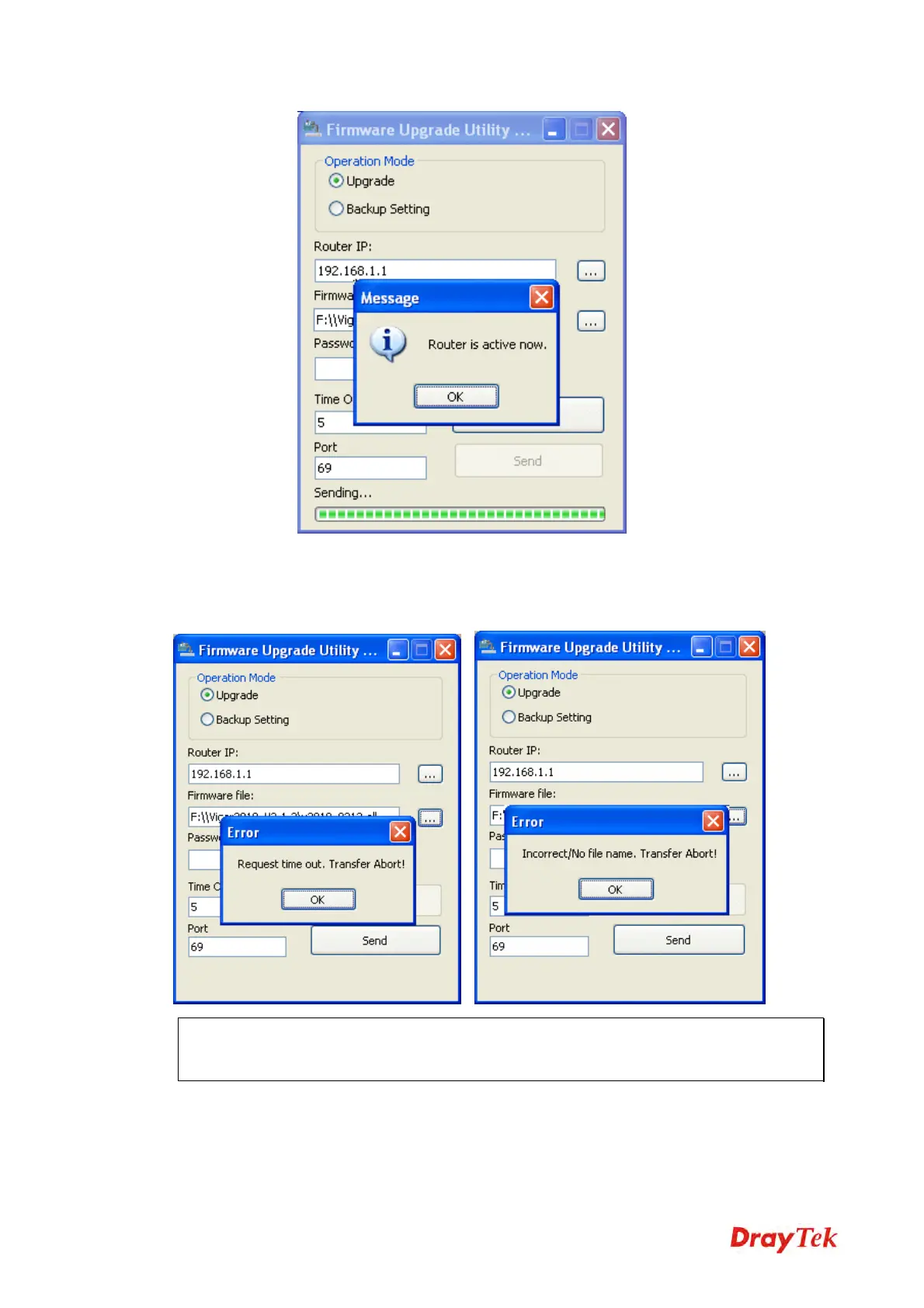
If the message of Request Timeout. Transfer Abort ! appears, please check if the connection
between the computer and the Vigor is active or not. And, if the message of Incorrect/No file
name. Transfer Abort ! appears, please check if the firmware you download is correct for
your Vigor router.
Note: Please turn off the Firewall protection while upgrading the firmware with Windows
Vista. The Firewall function can be turned off via Control Panel >> Security Center >>
Firewall.



 To Next Page