EasyManua.ls Logo

Dri-Eaz DriTec 4000i - User Settings

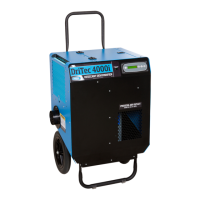
Dri-Eaz DriTec 4000i
9 pages
Print Icon
To Next Page IconTo Next Page
To Previous Page IconTo Previous Page
Loading...
49-130B MANUAL, DRITEC 4000i 230V AU 4 Legend Brands, Inc.
USER SETTINGS
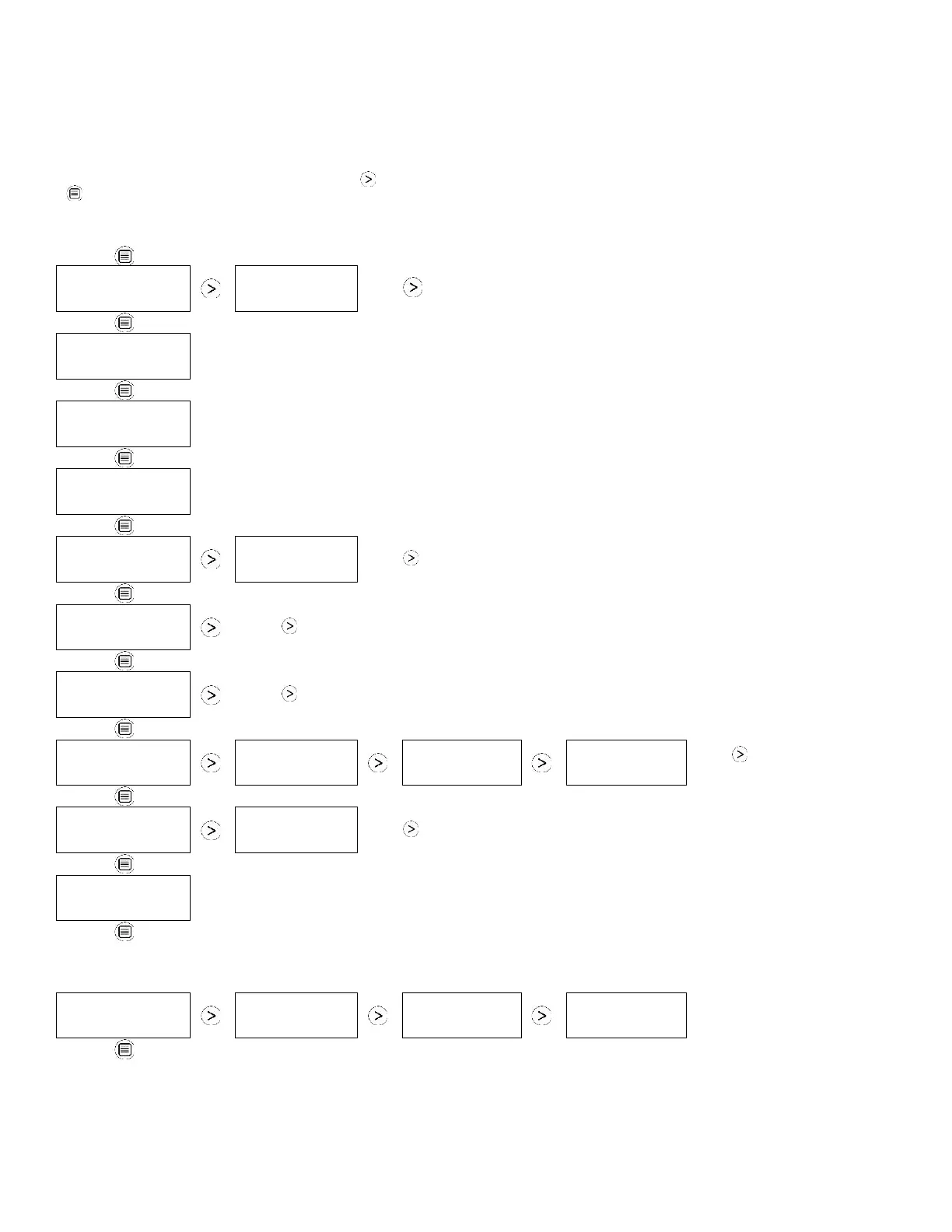
Only menu items followed by a greater-than symbol (>) may be adjusted. In the menu items with reading data (INLET OUTLET, REACT
& HEATER1 CURRENT), If no keys are selected for 5 minutes the display will return to normal display mode. In all the other menu
items, the display with return to the normal display mode after 20 seconds. Items without the symbol (>) are for information only and
cannot be changed or reset.

MAIN MENU: Press
DISPLAY MENU
to proceed to the
next menu item. ↓
SUBMENUS: Press MENU SELECTION to change the setting.
JOB HOURS
RESET? >
JOB HOURS
00.0
Press to reset to 0.
INLET OUTLET
000° 00% 000°00%
For information only.
REACT
000° 00%
For information only.
HEATER1 CURRENT
00 A
For information only.
HUMIDISTAT MODE
OFF >
HUMIDISTAT MODE
ON >
Press to turn ON or OFF.
HUMIDISTAT
SETPOINT 00% >
Press to cycle through 5 60% at 5% increments.
RH MIN SETPOINT
00% >
Press to cycle through 0 30% at 5% increments.
LANGUAGE
ENGLISH >
IDIOMA
ESPANOL >
SPRACHE
DEUTSCH >
LANGUE
FRANCAIS >
Press to change lan-
guage options.
TEMP UNITS
°C >
TEMP UNITS
°F>
Press to change to °F or °C.
LIFE HOURS
00000 HRS
For information only.
(Returns to
top menu item.)
The following section available only on wireless-equipped units.
SENSOR ID
000000000 >
SENSOR TYPE
00000 >
SENSOR REVISION
00000 >
SENSOR CONF REV
00000 >
(Returns to
top menu item.)