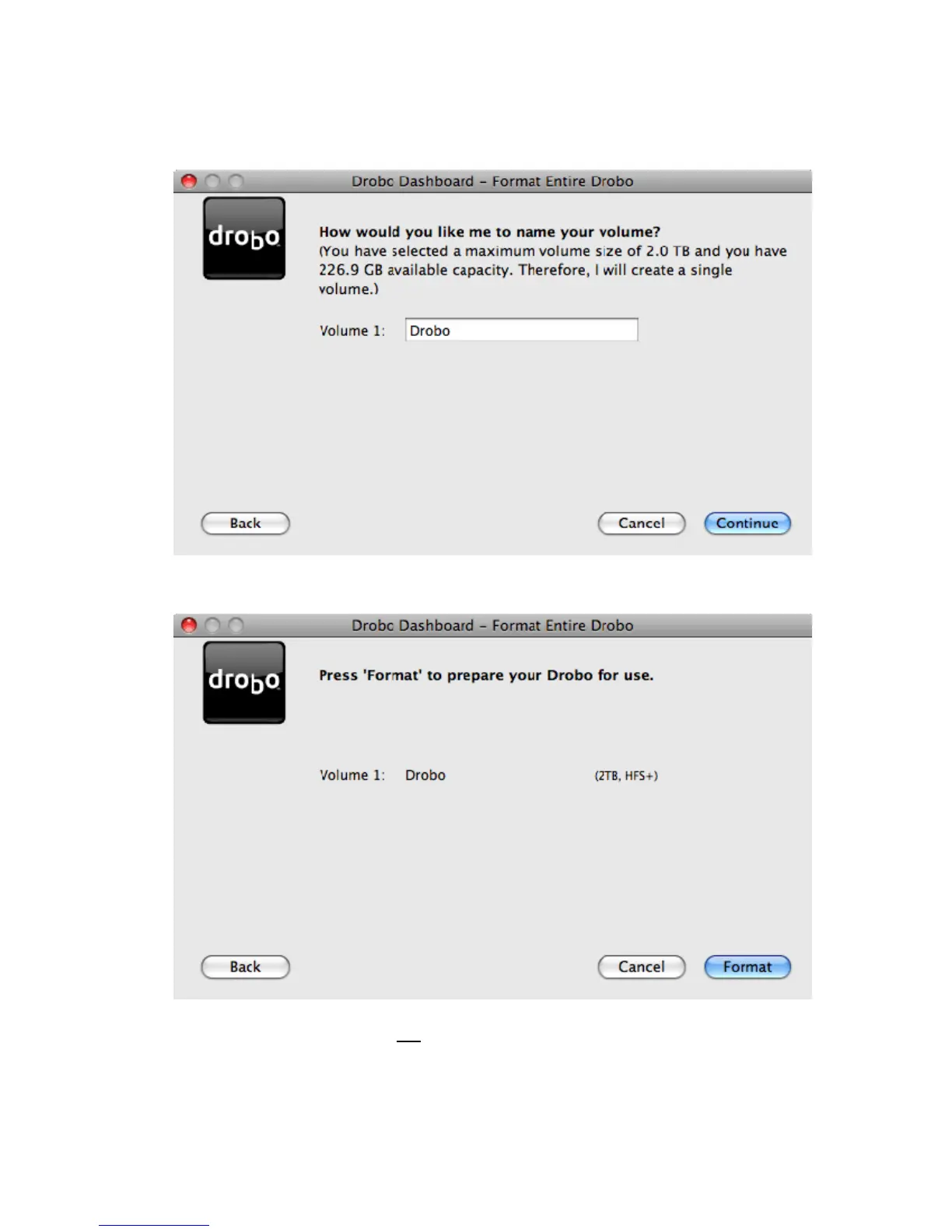
4. Depending on your volume selection and the total raw capacity of the drives in Drobo, you will be presented with the
opportunity to select a name for your volume(s). When done, click Continue.
5. You will be asked to confirm your selections. Click Format to begin formatting.
Warning: The Format command erases
ALL data on all hard drives and is not reversible.
10



 To Next Page