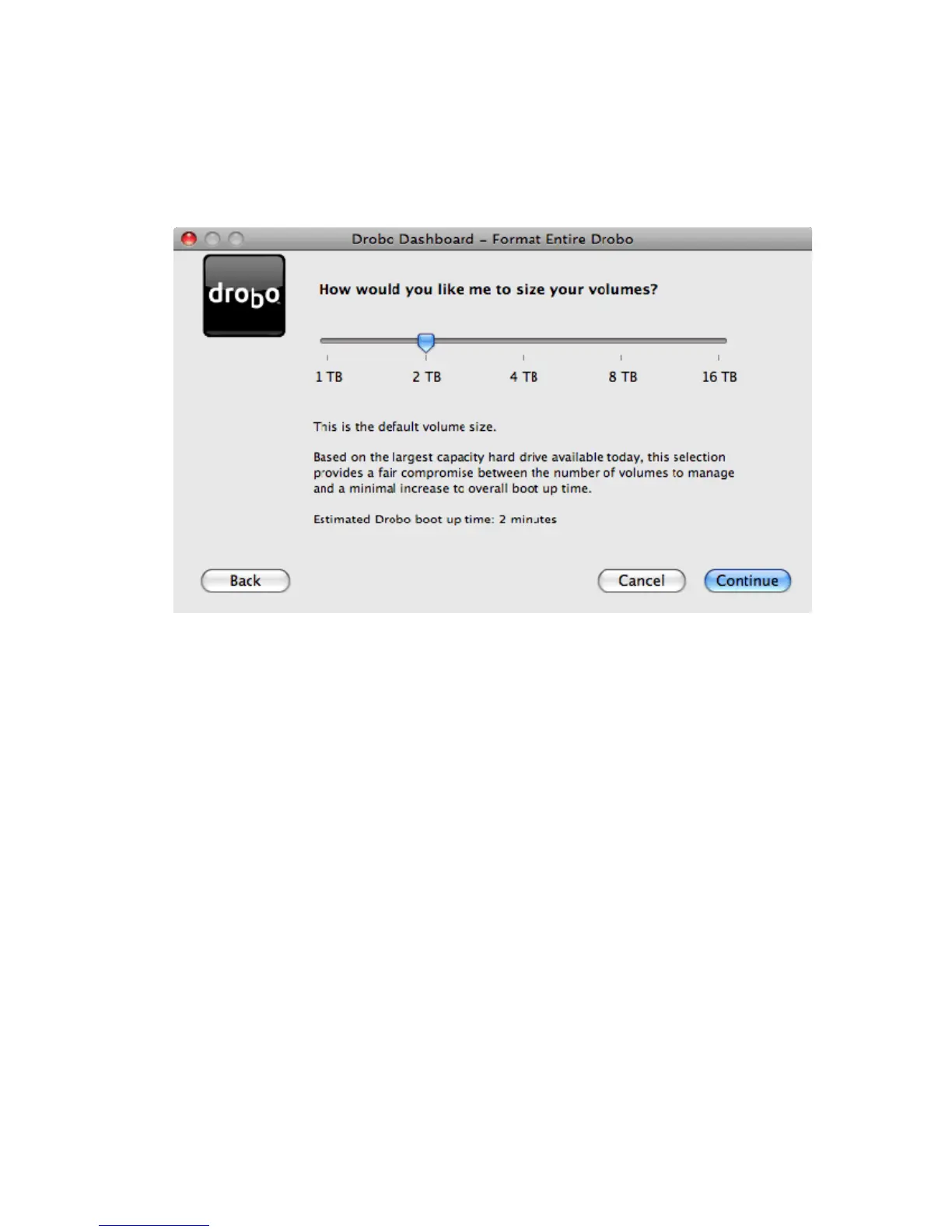
3. By default, Drobo will format itself as a 2TB volume regardless of the capacities of the drives inserted into Drobo.
This property allows Drobo to easily expand, without forcing complex Windows management and configuration.
The Volume Size Selection tool allows you to modify the volume size based on what is available depending on your
operating system. There are some tradeoffs to consider when selecting a volume size. As you drag the slider
across the different volume size options, the text below will detail these tradeoffs. Make your selection and click
Continue.
Note: You may notice that some volume size selections are grayed out. Some operating systems cannot support
greater than 2TB volumes. Depending on what operating system you inform Drobo you are using, it will provide you
with the available volume sizes to select from.
9



 To Next Page