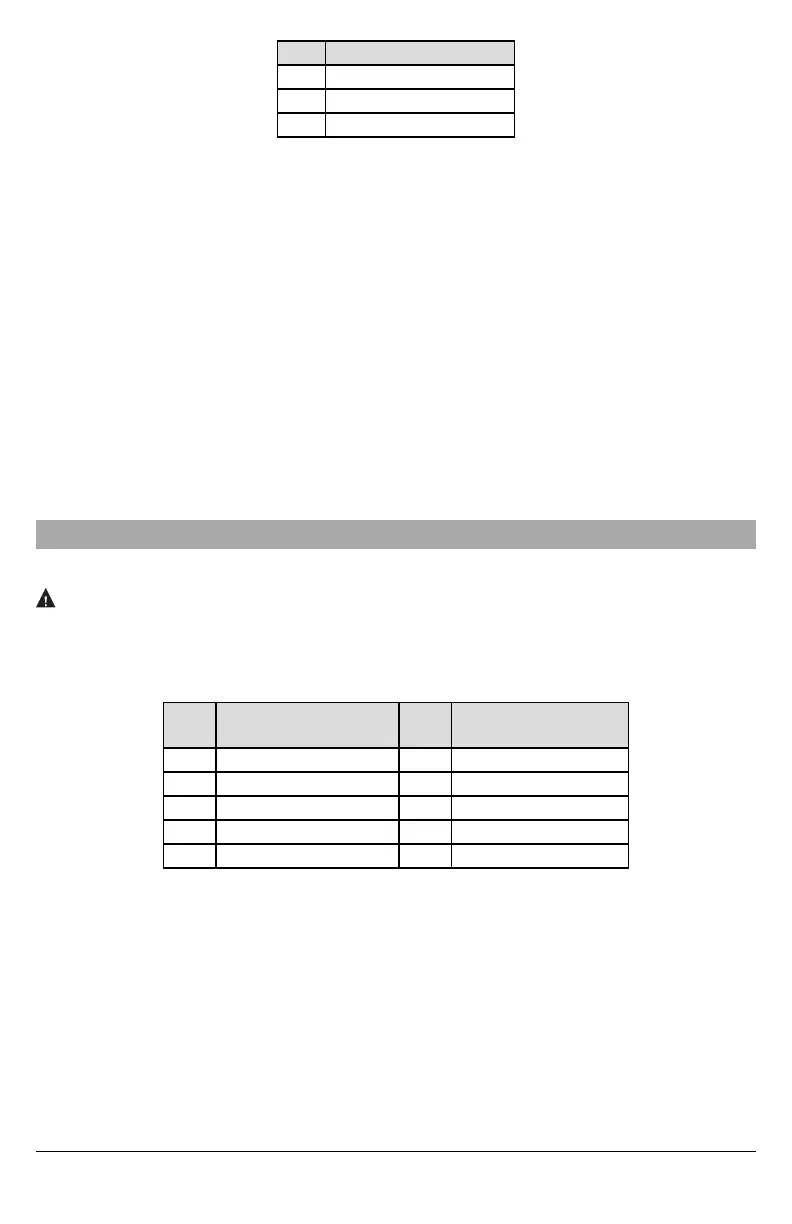
Table 4: Communicator Path Programming
Value Communication Method
02 Auto Routing
03 Ethernet 1
04 Ethernet 2
NOTE: Refer to panel manual for additional information
4.
In panel section [350] ‘Communication Formats’, program the communication format as: CID (03) or SIA FSK (04).
5.
In panel sections [311] - [318] ‘Partition Call Directions’, program the call direction options for the system.
6.
In panel section [401] ‘DLS/SA Options’, set toggle option [2] ‘User Enable DLS’ to ON in order to perform panel DLS ses-
sion through cellular or Ethernet.
NOTE: Before leaving the premises, the installer should verify all programmed communications paths. See programming
options section [851][901] to send immediate test transmissions.
Communicator Troubles displayed on a HS2016/2032/2064/2128
The communication trouble is the only trouble that will appear on the keypad Liquid Crystal Display (LCD) when encountered
by a communicator installed in a HS2016/2032/2064/2128. For more information about the trouble on the communicator mod-
ule refer to the panel event buffer or by accessing *2 to view the individual trouble types. Log entry will show Fault or Restore for
each of the following events:
l Alt comm SIM lock Trouble/Restore
l Alt. comm Cellular Trouble/Restore
l Alt. comm Ethernet Trouble/Restore
l Alt. comm Fault/Restore
l Alt comm Receiver (1-4) Absent/Restore
l Alt comm Receiver (1-4) Supervision Trouble/Restore
l Alt comm Receiver (1-4) FTC Trouble/Restore
NOTE: When Panel displays “Alternate Fault”, communicator programming is not accessible via the keypad.
Communicator Status LEDs
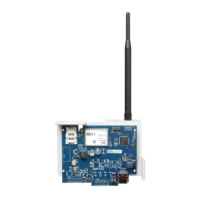
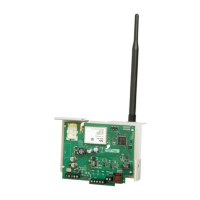
The communicator has 2 on-board LED indicators:a yellow trouble LED and a red network connection status LED.
Yellow Trouble LED
This yellow LED will flash to indicate a trouble on the unit. The number of flashes indicates the type of trouble. See the table
below for the coded flashes and the conditions which will activate the trouble status LED.
Table 5: Yellow Trouble Status LED
# of
Flashes
Trouble
# of
Flashes
Trouble
2 Panel Supervision Trouble 8 Receiver Supervision Trouble
4 Not Applicable 9 FTC Trouble
5 Not Applicable 10 Not Applicable
6 Ethernet Trouble 12 Module Configuration Trouble
7 Receiver Not Available Trouble
NOTE: Only the highestpriority trouble (2 flashes is the highest priority trouble) is indicated. When this trouble is restored, the
next highest trouble will indicate, if present. This will continue until all troubles have been cleared (yellow LED is not
flashing).
The following paragraphs describe the conditions associated with the trouble indicated:
Panel Supervision Trouble (2 Flashes)
This trouble will be indicated when communication between the communicator module and the panel fails. If the module can
not communicate with the panel (e.g., loss of power to the panel) the communicator will send the ‘Panel Absent Trouble Event’
message to the central station receiver. When communication returns, a ‘Panel Absent Restore Event’ is sent by the com-
municator to the central station receiver. The reporting codes are ET0001 for trouble and ER0001 for restore. The panel
absent event always uses the primary receiver account code when communicating to the central station.
NOTE: The panel supervision trouble/restore are internally generated events by the communicator. Trouble is generated if the
communicator misses 6 polls. Trouble is restored on receipt of first poll from the panel.
9



 To Next Page