2
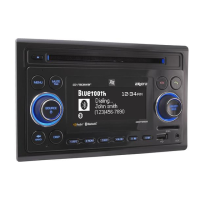
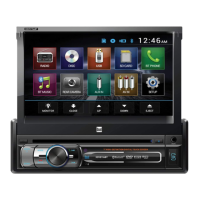
X2DMA500
TYPICAL FRONT-LOAD DIN MOUNTING METHOD
Please read entire manual before installation.
Before You Start
•Disconnectnegativebatteryterminal.Consultaqualifiedtechnicianforinstructions.
•Avoidinstallingtheunitwhereitwouldbesubjecttohightemperatures,suchasfrom
directsunlight,orwhereitwouldbesubjecttodust,dirtorexcessivevibration.
Preparation
REMOVAL KEYS
MOUNTING SLEEVE
HEAD UNIT
MOUNTING KIT
OR DASH OPENING
Getting Started
•Removetrimringfromunit.
•Insertthesuppliedkeysintothe
slotsasshown,andslidetheunit
outofthemountingsleeve.
•Installmountingsleeveinto
opening,bendingtabstosecure.
•Connectwiringharnessand
antenna.Consultaqualified
technicianifyouareunsure.
•Certainvehiclesmayrequirean
installationkitand/orwiring
harnessadapter(soldseparately).
•Testforcorrectoperationandslide
intomountingsleevetosecure.
•Snaptrimringintoplace.


 To Next Page
 Loading...