10
DV715B OPERATION
General Operation
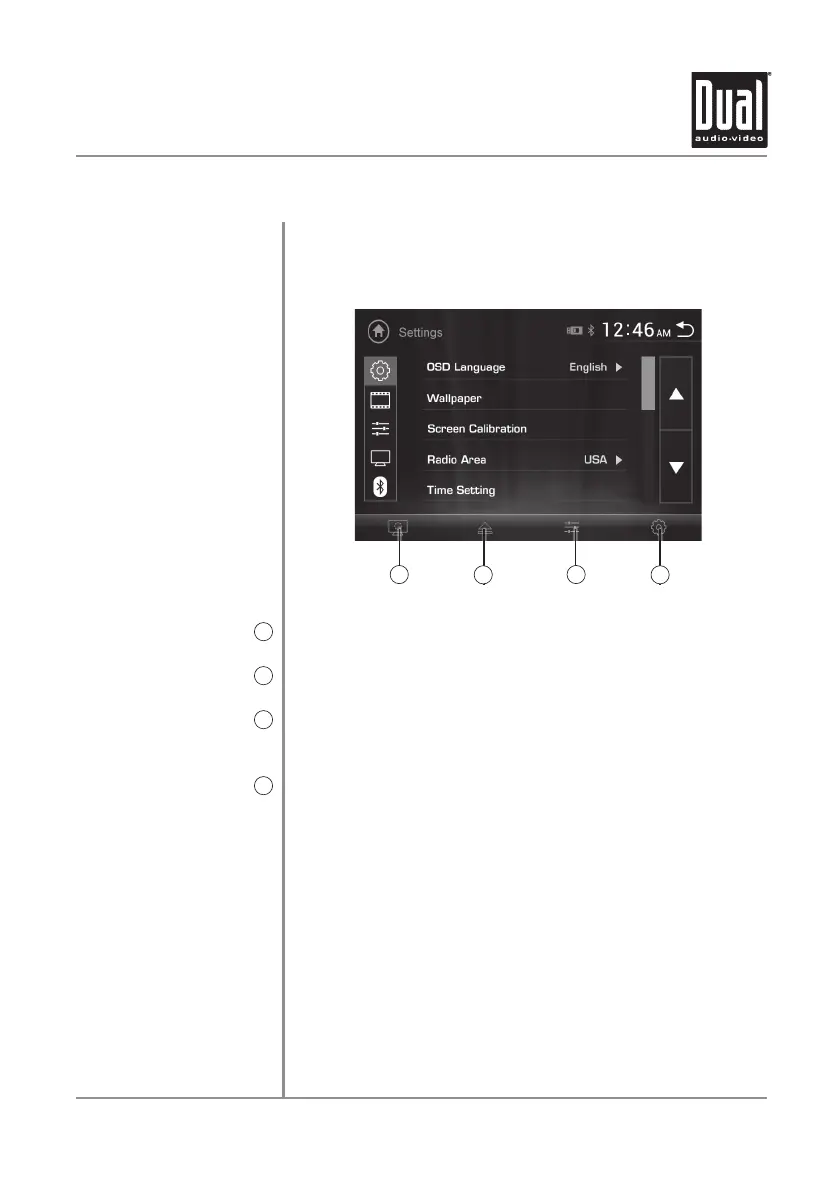
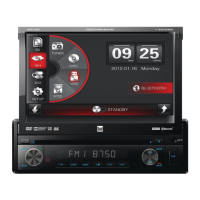
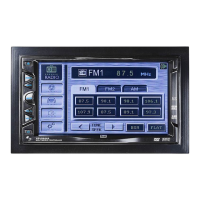
The touch screen controls on the bottom of each screen
allow direct access to important features during any mode
of operation.
Press to dim the screen or put the unit in standby mode.
Press to eject the disc.
Press to adjust audio options such as equalizer, surround
sound and balance / fader.
Press to access the setup menu.
Touch Screen
Controls
Standby
1
Eject
2
Audio
3
Setup
4
1
2
3
4


 To Next Page