19
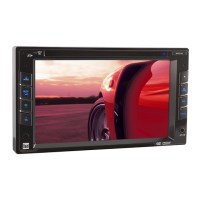
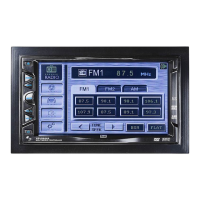
DV715B OPERATION
Bluetooth Operation
11
109
14 15
16
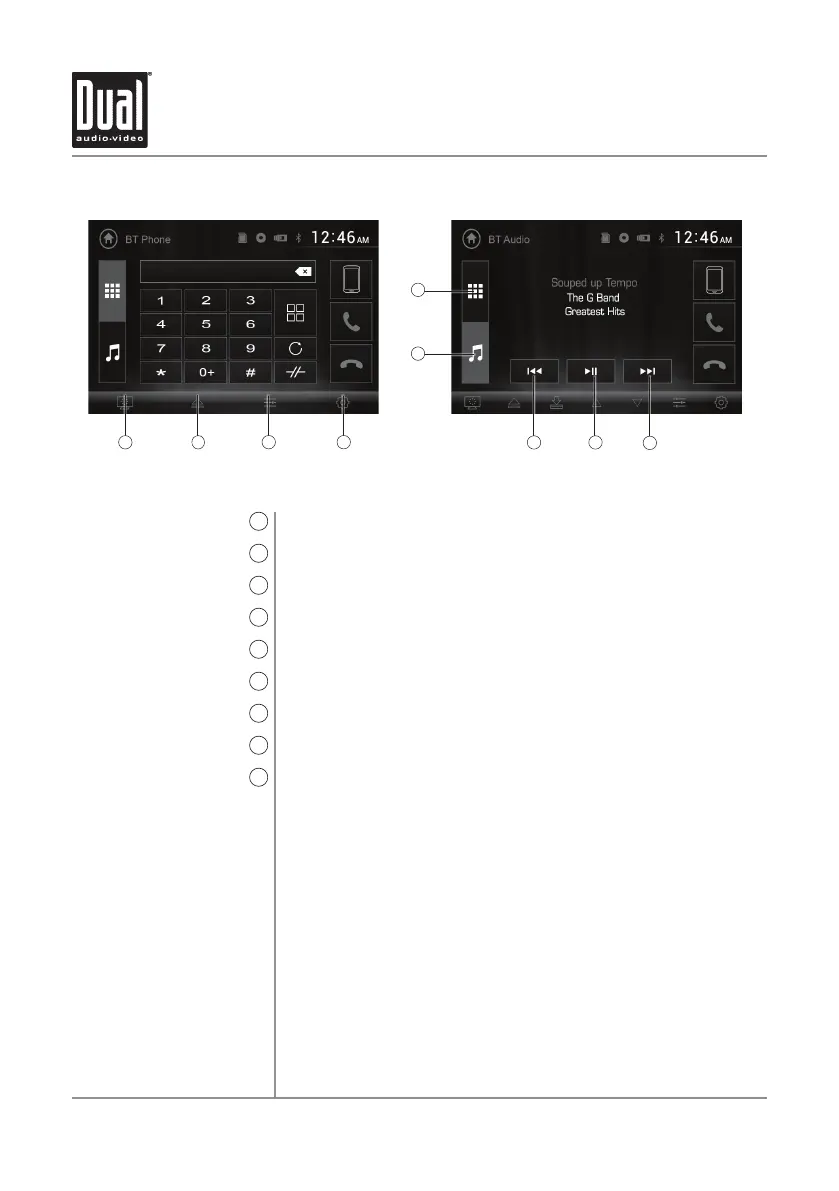
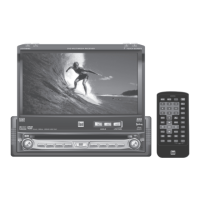
Standby
9
Eject
10
Audio
11
Settings
12
Bluetooth Music
13
Previous File / Track
14
Play / Pause
15
Next File/Track
16
Bluetooth Phone
17
Press to put the monitor into standby mode.
Eject the disc.
Press to adjust Audio options.
Press to access the Settings menu.
Press to access Bluetooth Music (from Phone mode).
Press to go back to the previous file or track.
Press to pause or resume playback.
Press to advance to the next file or track.
Press to access Bluetooth Phone (from Music mode).
12
13
17


 To Next Page