8
MGH20 OPERATION
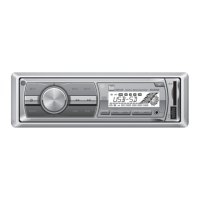
Press AUDIO/MENUmomentarilytoselectbetweenBass,
Treble,Balance,Fader,SubwooferandSourceVolume
Level.
Press AUDIO/MENU until BASSappearsthenrotatevolume
knobleft/righttoadjust(-6minimum/+6maximum).
Press AUDIO/MENU until TREBLEappearsthenrotate
volumeknobleft/righttoadjust(-6minimum/+6
maximum).
Press AUDIO/MENU until BALappearsthenrotatevolume
knobleft/righttoadjust
(BALLEFT12-BALRIGHT12).
BALEVENrepresentsequalbalance
Press AUDIO/MENU until FADERappearsthenrotate
volumeknobleft/righttoadjust(FADERFRONT12-FADER
REAR12).FADEREVENrepresentsequalfader
Press AUDIO/MENU until SUB-Wappearsthenrotate
volumeknobleft/righttoadjust(0minimum/+12
maximum).
* Note: SubwooferoptionwillnotappeariftheREAR/SUB
optioninthesetupmenuissettoREAR.Refertopage7for
details.
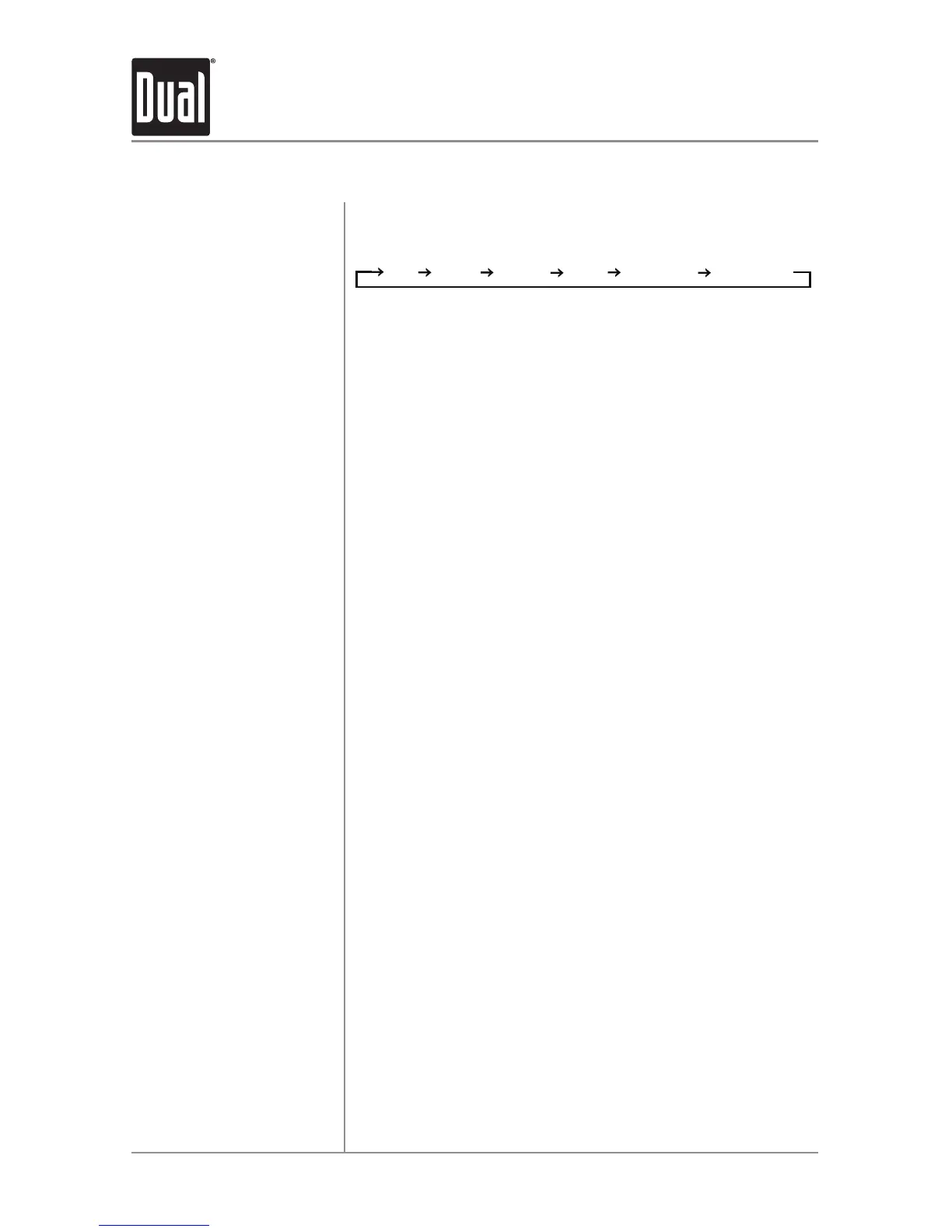
Press EQ, thenturnthevolume knobtocyclethroughthe
followingequalizationcurves:FLAT(default),POP,JAZZ,
CLASSIC,BEAT,ROCKandUSER.Anymanualadjustment
totheBassorTreblesettingsareautomaticallysavedas
USER.
Thesourcevolumelevelcontrolallowsagainadjustment
foreachaudiosource:AM,FM,AUXFRONT/REAR,
operationofiPod,PandoraandUSB.Setthesourcevolume
levelforeachmode,dependingontherelativevolumeof
eachaudiosource.
Tosetthesourcevolumelevel,pressAUDIO/MENU until
SRCLEVELappears.Afteronesecond,thecurrentmode
willappearonthedisplay.Turnthevolumeknobtoadjust
theaudiolevelofthecurrentsource(-6minimum/+6
maximum).
Note: Onlythecurrentmodewillbeavailablefor
adjustment.Toadjustanothermodeofoperation,press
MODE untilthedesiredmodeisselected,thensetthe
sourcevolumelevelforthatmode.
Audio
Bass
Treble
Balance
Fader
* Subwoofer
EQ
Source Volume Level
General Operation



 To Next Page