16
X2DMA400 OPERATION
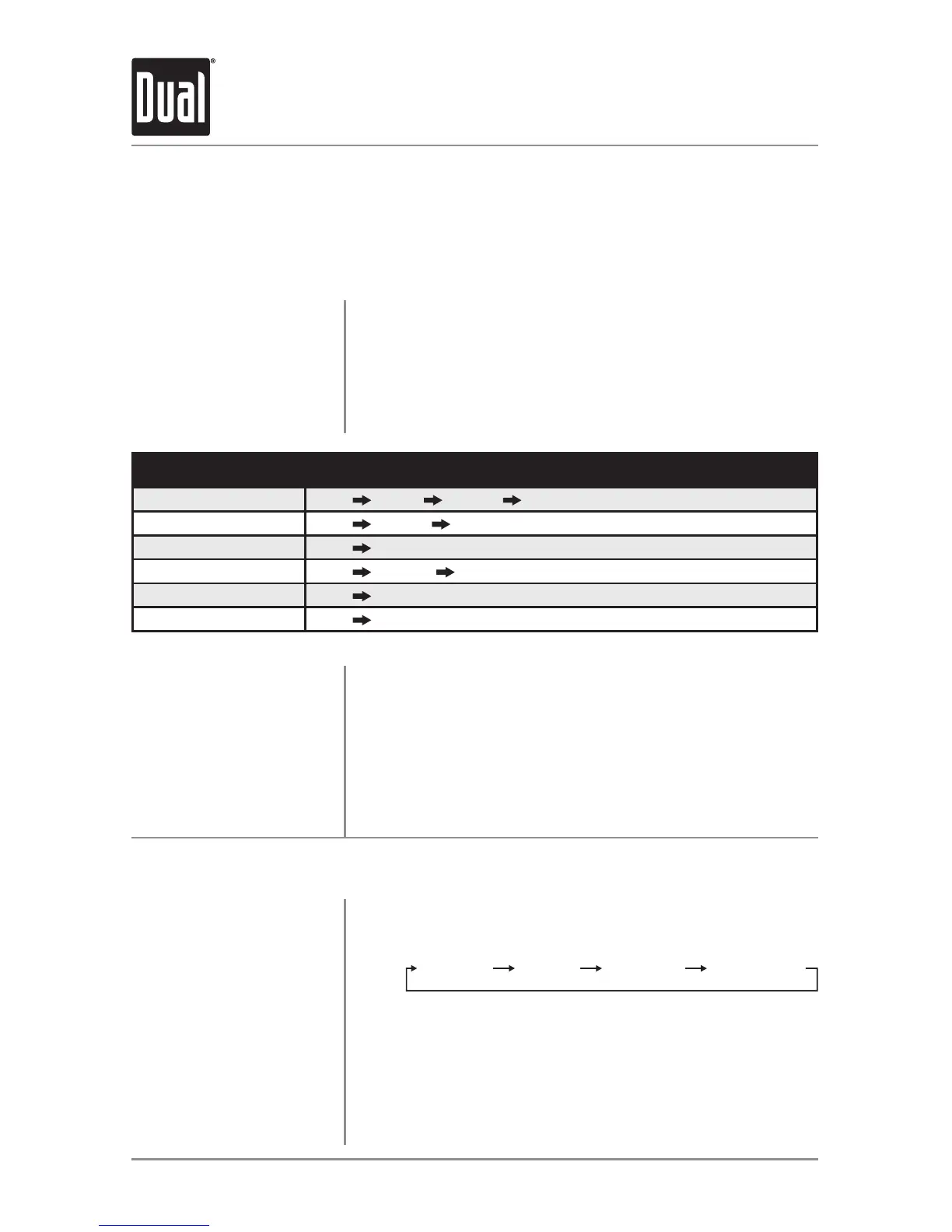
SearchCategory
MenuNavigation
Artists
Menu Artists Albums Songs
Albums
Menu Albums Songs
Songs
Menu Songs
Playlists
Menu Playlists Songs
Podcasts
Menu Podcasts
Audiobooks
Menu Audiobooks
Begin Searching
Select a Category
Step Backwards
Playing a Song
Press SELECTtobeginthesearch.Themainsearchmenu
willappear.
Turnthetuning knobtoselectbetweenartists,albums,
songs, playlists, podcasts and audiobooks. Press SELECT to
selectthedesiredsearchcategory.Somecategorieshave
subcategoriestonavigatethrough.Seethetablebelowfor
details.
Press BACKtoreturntothepreviousmenu,orexitthe
searchmenuwhenthemainmenuisshown.
Navigatetothedesiredsong/podcast/audiobookandpress
SELECTtobeginplayback.
Note:Ifaspecificcategoryisselected,theiPod/iPhone
deviceplaybackwillbelimitedtothatcategoryuntilanother
categoryisselectedinthesearchmenu.
Controlling a Device: Full Control - Music Search Menu
The X2DMA400 features a powerful music search that simplifies the searching process.
Follow the steps below to find the desired song:
Operation of iPod/iPhone
Displayed Information
Displaying Information
Character Support
Press DISPmomentarilytoselectfile/foldername(default),
songtitle/artist,tracknumber/clock&elapsedtime.
Maximumcharacterdisplayinformation
•*SongTitle–32charactermaximum
•*ArtistName–32charactermaximum
•*AlbumName-32charactermaximum
*SongTitle,ArtistNameandAlbumNamewillonlybe
displayedifincludedwiththefile.



 To Next Page