EasyManua.ls Logo

Dual XD1225 - User Manual

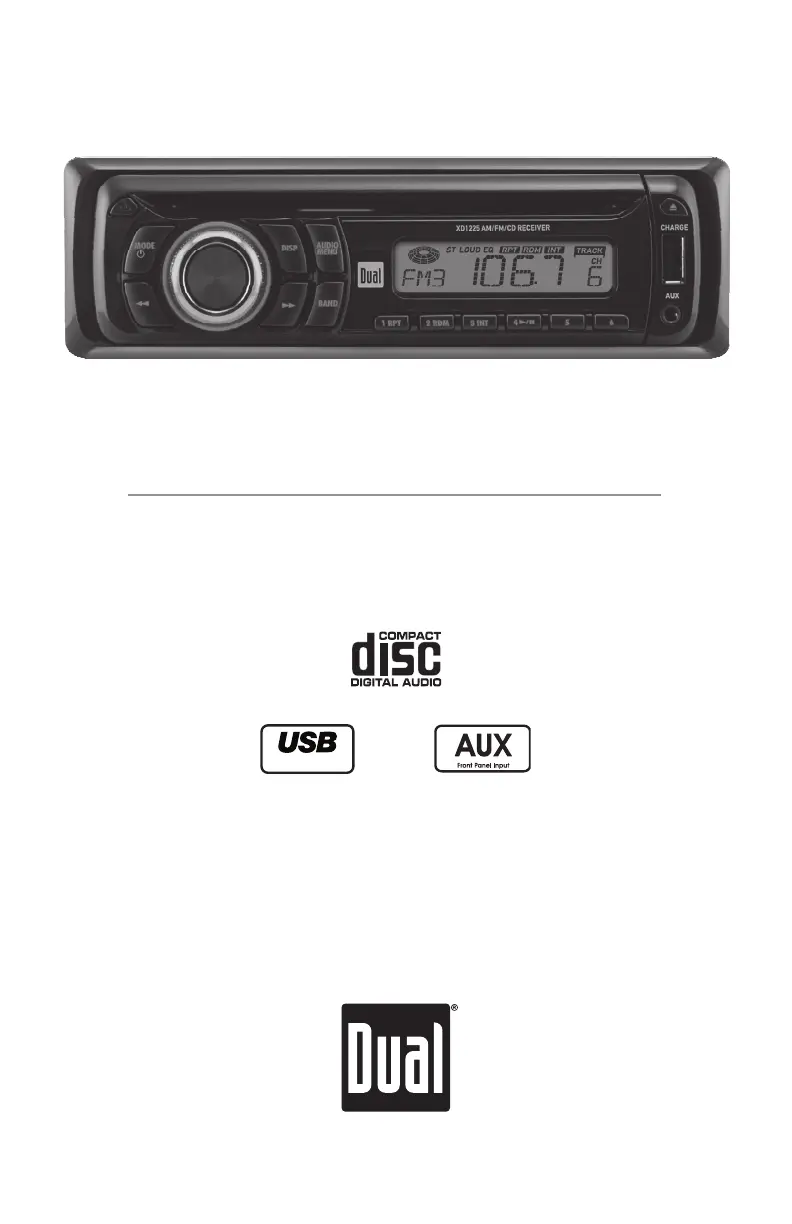
Dual XD1225
12 pages
Print Icon
To Next Page IconTo Next Page
Loading...
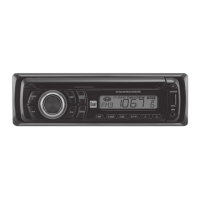
AM/FM/CD Receiver with Auxiliary Input, USB Charging Port and
Detachable Face
XD1225
Charge Port
INSTALLATION/OWNER'S MANUAL

Questions and Answers

  • C
    Cody DavisJul 26, 2025
    How to fix a Dual Car Receiver that won't turn on?
    • A
      Amanda YoungJul 26, 2025
      If your Dual Car Receiver won't turn on, there are several possible causes. First, the yellow wire might not be connected properly or have the incorrect voltage; check the connections to ensure the voltage is between 11 and 16VDC. Second, the black wire may not be connected; verify its connection to ground. Finally, the fuse might be blown, in which case you should replace it.
  • B
    brownjoshuaJul 31, 2025
    Why does my Dual Car Receiver keep blowing fuses?
    • E
      Edward SmithAug 1, 2025
      If your Dual Car Receiver keeps blowing fuses, it could be due to a few reasons. The yellow or red wire might be touching the chassis ground, so check for any pinched wires. Alternatively, speaker wires could be touching the chassis ground, so inspect those wires as well for pinching. Lastly, the fuse might have an incorrect rating; make sure you are using a fuse with the correct rating.
  • C
    Colleen ReynoldsAug 7, 2025
    What to do if my Dual Car Receiver has power but no sound?
    • M
      Mr. Matthew RobertsonAug 7, 2025
      If your Dual Car Receiver has power but no sound is coming out, it could be due to a couple of things. First, the speaker wires might not be connected properly; check the connections at the speakers. Second, one or more speaker wires might be touching each other or the chassis ground; in this case, insulate all bare speaker wires from each other and the chassis ground.
  • A
    Amanda HawkinsAug 13, 2025
    Why is my Dual Car Receiver skipping a lot?
    • S
      Stephanie MillerAug 13, 2025
      If your Dual Car Receiver is skipping excessively, there are a couple of potential causes. It might not be mounted correctly, so check the mounting sleeve or consider adding a backstrap support. Also, there could be a physical defect in the media you're using (CD, CD-R, or CD-RW), so check the media for scratches.
  • R
    Richard ChaneyAug 19, 2025
    How to fix a Dual Car Receiver that won't accept a disc?
    • M
      Monica ArnoldSep 12, 2025
      If your Dual Car Receiver will not accept a disc, it might be due to a couple of reasons. First, the CD mechanism position could be out of alignment; try pressing the EJECT button for 3 seconds to reset it. Second, the CD transit screws might still be in place; remove the 2 transit screws located on top of the unit.

Summary

Installation Preparation

Before You Start

Important initial steps and precautions before beginning the installation process.

Getting Started with Installation

Steps for removing transit screws, using installation keys, and mounting the unit.

Wiring Diagram

General Operation Procedures

Faceplate and Power Management

Procedures for faceplate removal, installation, and unit power on/off.

Setup Menu and Audio Settings

Setup Menu Navigation

Accessing and navigating the setup menu to configure various functions.

Troubleshooting Common Issues

Power, Sound, and Fuse Problems

Resolving problems related to no power, no sound, or blown fuses.

Error Code Reference

Dual XD1225 Specifications

General IconGeneral
MP3 playbackNo
CD-R playbackYes
Playback disc formatsCD audio
Supported radio bandsAM, FM
Preset stations quantity30
Output power60 W
Product colorBlack
Disc types supportedCD, CD-R, CD-ROM, CD-RW
Audio output channels4.0 channels
Display typeLCD
USB version2.0
Line outputs (RCA)2
USB ports quantity1
Number of optical discs1 discs

Related product manuals