2
TYPICAL FRONT-LOAD DIN MOUNTING METHOD
Removal Keys
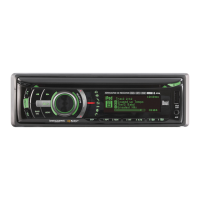
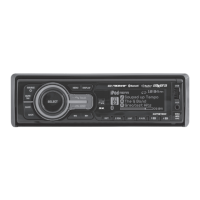
Head Unit
Mounting Sleeve
Dashboard or Installation Kit
XDMA6510 INSTALLATION
Preparation
Please read entire manual before installation.
Before You Start
•Disconnectnegativebatteryterminal.Consultaqualifiedtechnicianforinstructions.
•Avoidinstallingtheunitwhereitwouldbesubjecttohightemperatures,suchasfrom
directsunlight,orwhereitwouldbesubjecttodust,dirtorexcessivevibration.
Getting Started
•Removetrimringfromunit.
•Remove2transitscrewslocatedontopoftheunit.
•Insertthesuppliedkeysintotheslotsasshown,andslidetheunitoutofthemounting
sleeve.
•Installmountingsleeveintoopening,bendingtabstosecure.
•Connectwiringharnessandantenna.Consultaqualifiedtechnicianifyouareunsure.
•Certainvehiclesmayrequireaninstallationkitand/orwiring
harnessadapter(soldseparately).
•Testforcorrectoperationandslideinto
mountingsleevetosecure.
•Snaptrimringintoplace.



 To Next Page