EasyManua.ls Logo

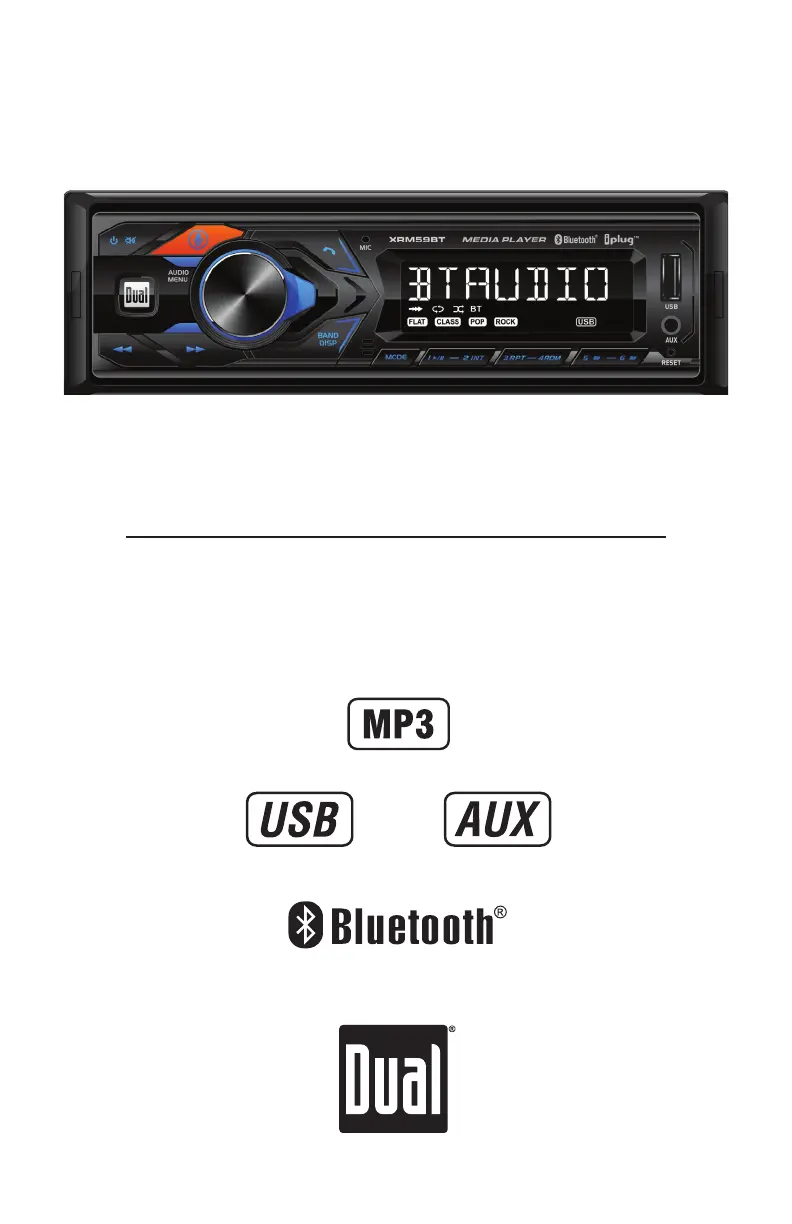
Dual XRM59BT - User Manual

Dual XRM59BT
14 pages
Print Icon
To Next Page IconTo Next Page
Loading...
INSTALLATION/OWNER'S MANUAL
AM/FM Receiver with Bluetooth and Fixed Face
XRM59BT

Questions and Answers

  • J
    jennifer21Jul 28, 2025
    What to do if my Dual XRM59BT unit will not turn on?
    • M
      Melissa AndersonJul 28, 2025
      If your Dual Receiver unit isn't powering on, there could be a few reasons. First, check if the yellow and red wires are properly connected and have the correct voltage (11~16VDC). Next, ensure the black wire is securely connected to the ground. Finally, inspect the fuse and replace it if it's blown.
  • C
    Charles PageAug 3, 2025
    What to do if my Dual XRM59BT Receiver unit has power but no sound?
    • C
      Cheryl GibsonAug 3, 2025
      If your Dual Receiver has power but isn't producing any sound, the issue might be with the speaker wires. First, check the connections at the speakers to make sure they are secure. Also, check if any of the speaker wires are touching each other or the chassis ground. If they are, insulate all bare speaker wires from each other and the chassis ground.
  • J
    Jordan ColonAug 9, 2025
    Why does my Dual Receiver unit blow fuses?
    • C
      Caitlin GrossAug 9, 2025
      Your Dual Receiver might be blowing fuses due to several reasons: * The yellow or red wire may be touching the chassis ground; check for any pinched wires. * Speaker wires could also be touching the chassis ground; again, check for pinched wires. * Finally, the fuse might have an incorrect rating; ensure you are using a fuse with the correct rating.
  • D
    Douglas ElliottAug 16, 2025
    Why does 'NO FILE' appear on my Dual Receiver display?
    • D
      David JohnsonAug 16, 2025
      The 'NO FILE' message appears on your Dual Receiver display because there are no playable MP3 files found on the connected device. Check the device to ensure it contains valid MP3 files.
  • R
    rachel35Aug 22, 2025
    Why does 'NO SUPPORT' appear on my Dual XRM59BT Receiver display?
    • T
      tatechadAug 22, 2025
      The 'NO SUPPORT' message on your Dual Receiver indicates that an invalid ID3 tag version is present. The unit supports Version 1.0 to 2.0 ID3 tags.

Summary

Installation Guide

Preparation

Steps for preparing and mounting the head unit.

Wiring Diagram

Shows the wiring connections for the head unit.

Operation and Features

Control Locations

Identifies and labels the buttons and controls on the head unit.

General Operation

Explains basic functions like power, modes, volume, mute, and clock setting.

AM;FM Tuner Operation

Details how to tune radio stations, change bands, store, and recall presets.

USB Operation

Explains how to play MP3 files, navigate tracks, and use repeat/random functions.

Bluetooth Operation

Covers pairing a new device and streaming audio via Bluetooth.

Smart App Control

Use the smartphone app to control the receiver via Bluetooth.

Voice Activation

Explains using voice assistants like Siri or Google Assistant via Bluetooth.

Front 3.5 mm Aux Input

Details connecting an external audio source via the front panel AUX input.

Specifications

Lists technical specifications for FM tuner, AM tuner, and general features.

Troubleshooting

Provides solutions for common problems like no power, no sound, or blown fuses.

Limited One Year Warranty

Outlines the warranty terms, coverage, and claims process.

FCC Compliance

Details compliance with FCC rules and guidelines for interference.

Dual XRM59BT Specifications

General IconGeneral
BluetoothYes
USB PortYes
Display TypeLCD
AUX InputYes
Radio TunerAM/FM
Detachable FaceNo
Remote ControlYes
Power Output200 Watts
CompatibilityAndroid
Peak Output50W x 4

Related product manuals