EasyManua.ls Logo

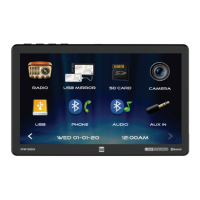
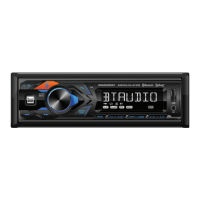
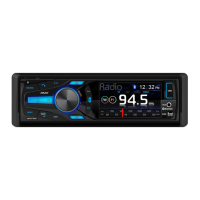
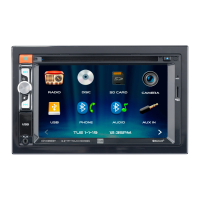
Dual XVM1000Ui - Control Locations; Unit Control Locations; Remote Control Functions

Dual XVM1000Ui
26 pages
Print Icon
To Next Page IconTo Next Page
To Previous Page IconTo Previous Page
Loading...
9
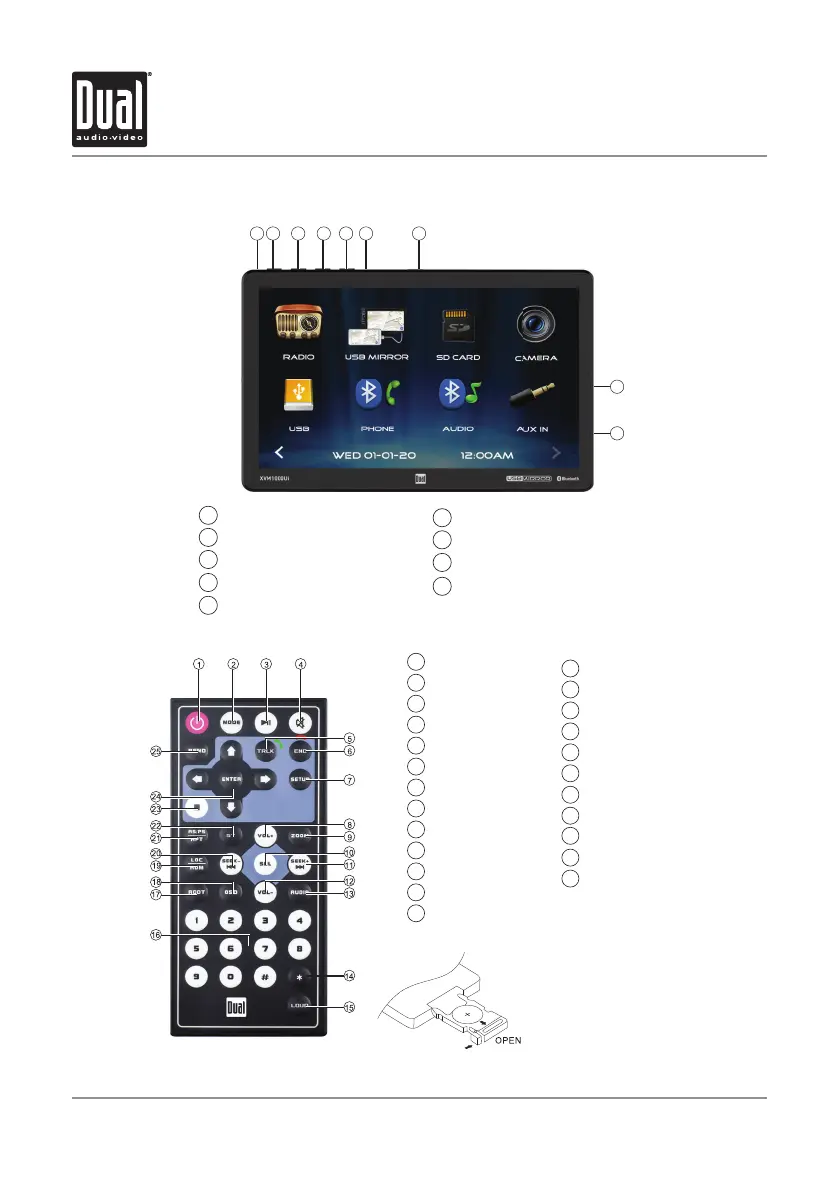
Control Locations
Microphone
Power/Mute Button
Voice/Camera Button
Volume Down
Volume Up Button
1
2
3
Reset
microSD Card Slot
USB Port
3.5mm AUX Input Jack
5
6
7
8
9
4
XVM1000Ui OPERATION
2
3 4
1
5
6
7
8
9
1
Power
2
Mode
3
Play / Pause
4
Mute
5
Talk
6
End Call
7
Setup
8
Volume Up
9
Zoom
10
Select
11
Tune/Track Up
12
Volume Down
13
Audio
14
* Key
15
Loudness
16
Number Keys
17
Root
18
OSD (On Screen Display)
19
Local / Random
20
Tune/Track Down
21
AS/PS / Repeat
23
Stop
24
Enter
25
Band
Use CR2025
Replacement Battery Only
How to Replace the Battery
Slide the tray out on back of the remote control, and insert battery with
the (+) and minus (-) poles pointing in the proper direction.