DQ-MINI User Manual, Version: 1.00
04. Appearance & Installation
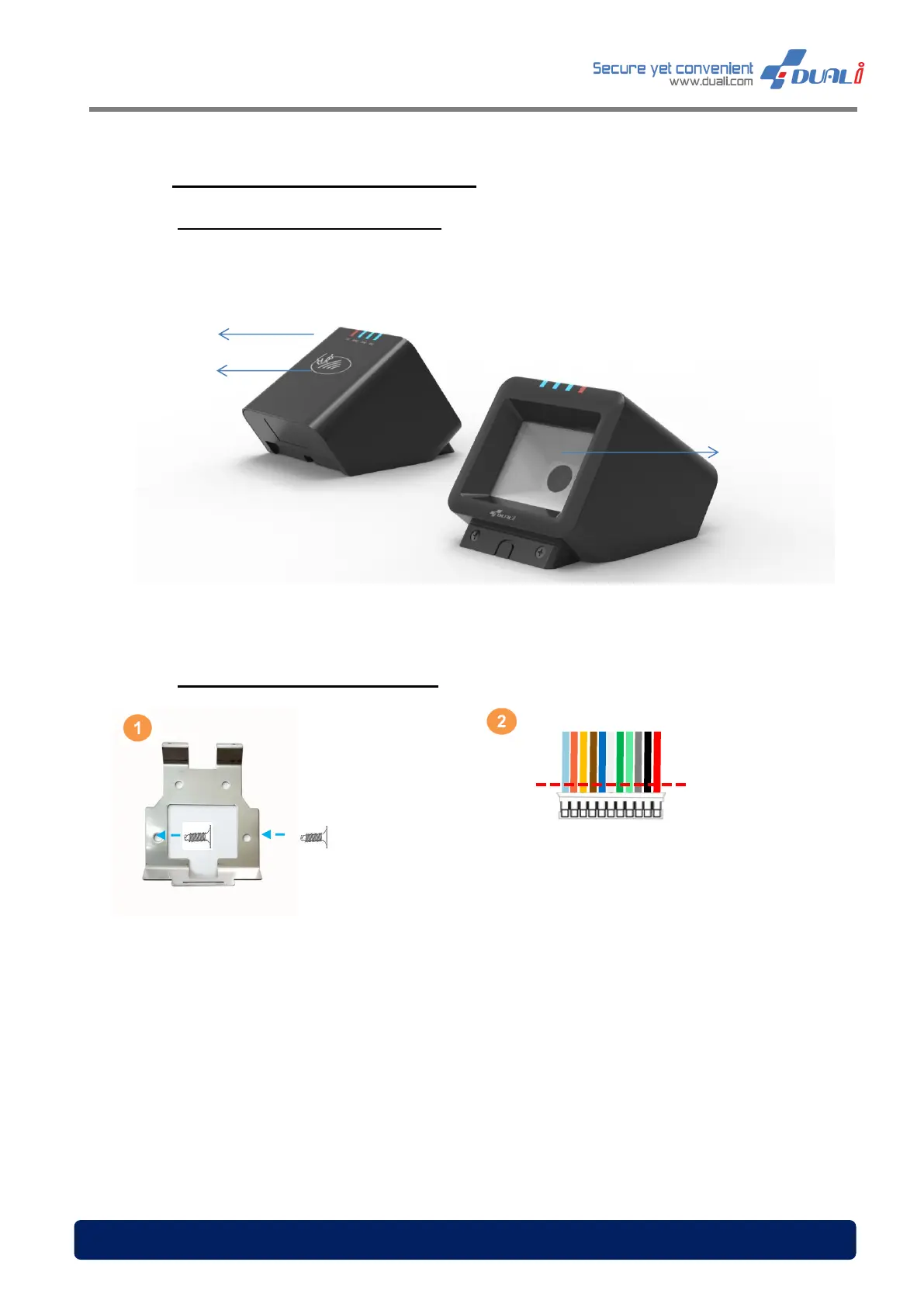
04.1 DQ MINI Feature & Dimension
04.2 Mounting DQ Mini on the wall
Place the provided wall mount bracket on
the wall and fix it tightly with screw
(Φ4mm Flat head)
Connect the power and communication
cable to DQ MINI’s terminal block.
In case you don’t use the cable as it is
shipped, you could cut off the end of
the cable and use only the wire that
you need for connection.
detector


 To Next Page