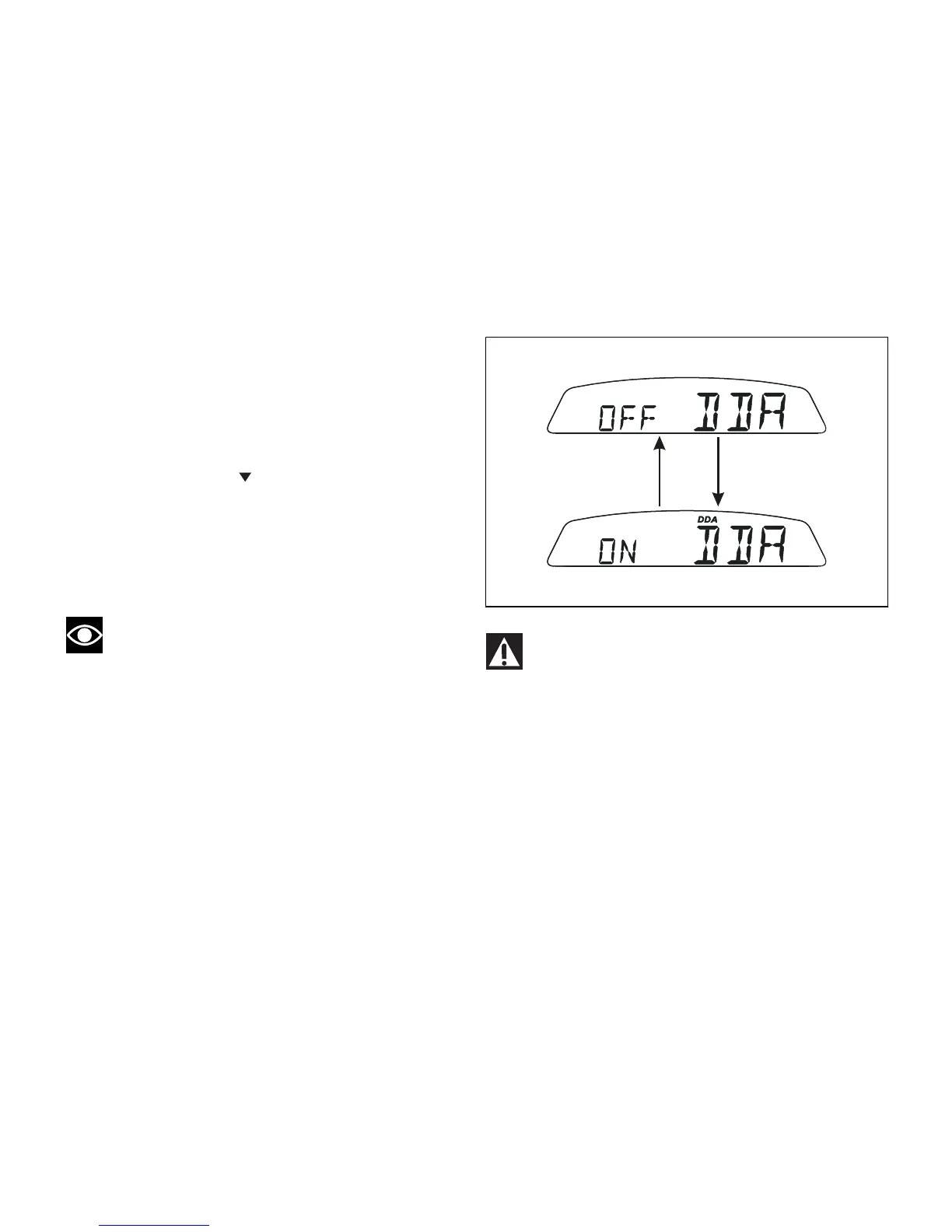
DDA data logger
This function allows activating the DDA (Ducati Data
Analyser): data logger must be connected to vehicle
wiring.
To enable this function, enter the menu and set "DDA"
data logger to "On" by holding button (1, Fig. 9)
pressed in position B " " for 3 seconds. The START/
STOP control for the data logger lap separator is the
high-beam flash button FLASH (12, Fig. 4) on the LH
switch. If the DDA function is active and the display
is suddenly switched off (Key-Off), the function is
switched off automatically.
Note
Online assistance is available to Ducati Data
Analyser (DDA) owners (http://dda.prosa.com). This
service will provide anything necessary to correctly
use the DDA with your PC: both for the device and
the software for analysing the recorded data.












 To Next Page