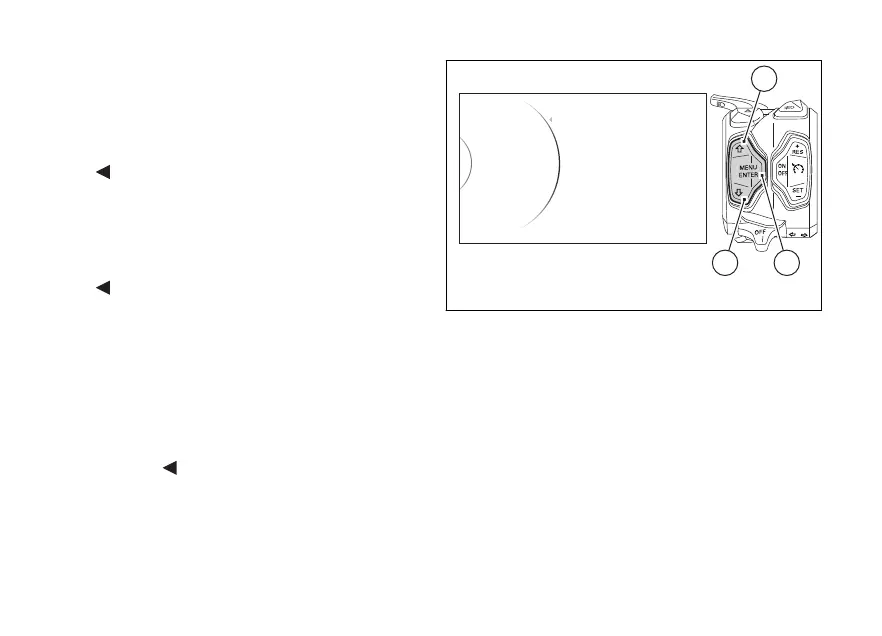
After entering the function, the display shows the
available Info Modes (“Track”, “Full”, “City” and “Off
Road”) on the left side and set Info Mode on the right
side. Within this page, the instrument panel displays
the following indications:
-
Back
- Track
- Full
- City
- Off Road
- Default
-
Back
The “Default” indication is visible only if one or more
parameters have been modified.
With buttons (1) and (2) select the new desired Info
Mode. Once the desired Info Mode is highlighted,
press confirm button (4) to memorize the new
selection.
To exit the menu and go back to previous page
highlight the "
Back" indication and press button
(4).
Full
City
Track
Info Mode Track
Off Road
...
Back
42
1
Fig. 79
150













 To Next Page