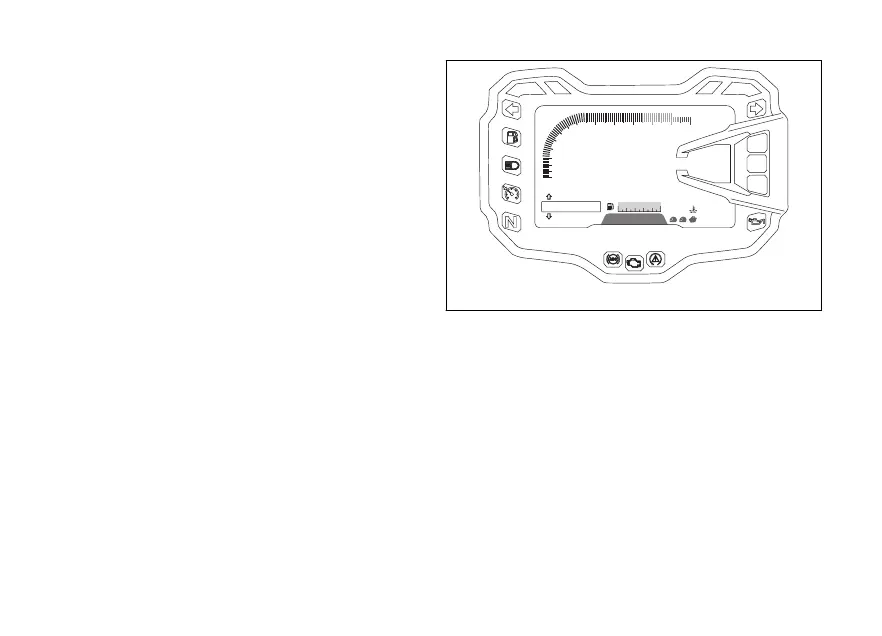
Parameter setting/displaying
Upon key-on, the instrument panel displays the
DUCATI logo and switches on the LED warning lights
in two steps ("initial check routine").
After this routine, the instrument panel displays the
main page in one of the available layouts (TRACK,
FULL, CORE and OFF ROAD), depending on the one
in use before last KEY-OFF.
During this first check stage, if the motorcycle speed
exceeds 5 km/h (3 mph) (actual speed), the
instrument panel will stop:
- the display check routine and display the standard
screen containing updated information;
- the warning light check routine and leave ON only
the warning lights that are actually active at the
moment.
299
N
2538
260
MENU
LO
DQS
DTC 5
UP/DW
3
3
ABS
DWC
11
SPORT
109876
5
2
3
4
1
10:22
P.M.
RPM x 1000
GEAR
Km
Km / h
13.5
Km/l
Km
SETTING
RANGE
°C
TOT
CONS
AVG1
Fig. 10
43













 To Next Page