10
RESET
BEFORE PROCEED WITH THE DEVICE PROGRAMMING, IT IS RECOMMENDED TO PERFORM THE FOLLOWING STEPS
IN ORDER TO ERASE THE MEMORY AND ERASE ANY FACTORY TEST SETTING.
These procedure allows to delete all the radio zones and remote controls stored in receiver.
Close the jumper SETUP to open Programming Menu
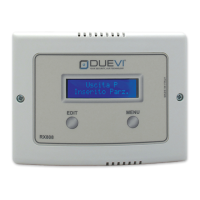
Press the MENU button until the “Clear All” option on display
Press and hold the EDIT button until some “beep” are emitted and the LWB output switches: the memory is erased
Wait some seconds: the receiver reboot
After the memory cleaning, switch to next function by pressing the MENU button or exit from programming opening the jumper
SETUP.


 To Next Page