12
“BY DETECTION” LEARNING MODE
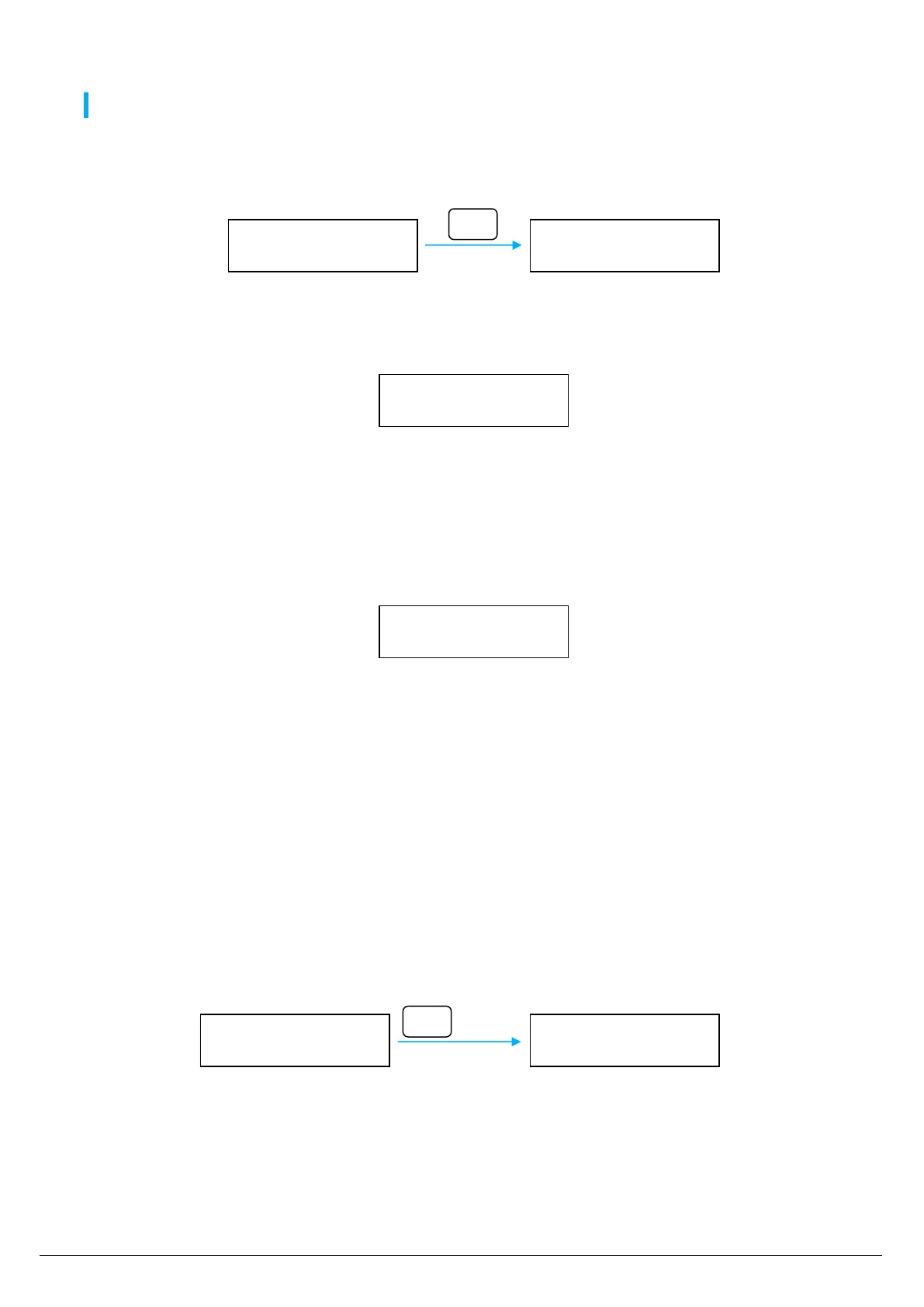
THIS MODE IS FOR “BY DETECTION” LEARNING ONLY (OLD DEVICES)
1. Enter in programming menu (jumper SETUP closed) and select “Zone Learning”
2. Select the memory position to use with EDIT button (by holding the button, the memory position increase quickly):
3. After some seconds, beside to the radio zone number appears the “_” listening symbol: the receiver is waiting for a radio code from radio
sensor.
If appears the “X” symbol after the radio zone number, it means that the memory position is already used. It is possible to overwrite or
delete it (see next paragraph)
4. Make a detection with the sensor to learn
5. When the radio code is received, on receiver display appears the blinking “X” symbol (instead “_”): the receiver is processing the code.
If it is a valid code the remote control is stored, the “X” symbol stays solid:
The sensor is not stored if:
the radio code is an AN learning code
the radio code is already stored in other memory position
it is not a valid radio code (example: it is a remote control radio code…)
In case of error, some “beep” are emitted and the receiver wait for another radio code.
6. To learn other sensors, press the EDIT button to switch to another free memory position and repeat the previous steps.
It is possible to store up to 80 sensors.
7. At the end of learning, switch to next function by pressing the MENU button or exit from programming opening the jumper SETUP.
DELETE A DETECTOR
To delete a radio zone, select it and hold down the MENU button for at least 5 seconds (less than 10 seconds):
Zone Learning *
Sensor 01
Zone Learning *
Sensor 02
Zone Learning *
Sensor 02 _
Zone Learning *
Sensor 02 X
Zone Learning
Sensor 02 X


 To Next Page