7
4. PROGRAMMING MENU
To enter in programming menu:
1. Open the receiver
2. With receiver powered, close the jumper SETUP
3. The receiver emits two “beep” and enter immediately in programming menu
4. Use the MENU button to scroll the menu items, the EDIT button to change settings
5. When finished to program, open the SETUP jumper: the receiver emits two “beep” and is ready to work with new settings
Follow the programming menu item list:
LANGUAGE
Set the language of receiver. Change has immediate effect.
ZONES LEARNING
Learn and delete the radio zones. Up to 80 radio zones.
See dedicated paragraph.
ACTIVATORS LEARNING
Learn and delete the remote controls. Up to 9 remote controls.
See dedicated paragraph.
RADIO TEST
Run the test to verify the radio range of receiver:
1. Press the EDIT button
2. On display appears “Radio Test“ and the receiver waits for radio codes from zones
3. Make the radio sensors (learned on receiver) transmit their alarm codes
4. If the radio code is received, on display appears the radio zone number (and the radio code detail) and two “beep” are emitted
5. At the end of the test, switch to next function by pressing the MENU button or exit from programming
BEEP ARMING
Enable the acoustic alerts at arming (one “beep”) and disarming (two “beep”) of the receiver.
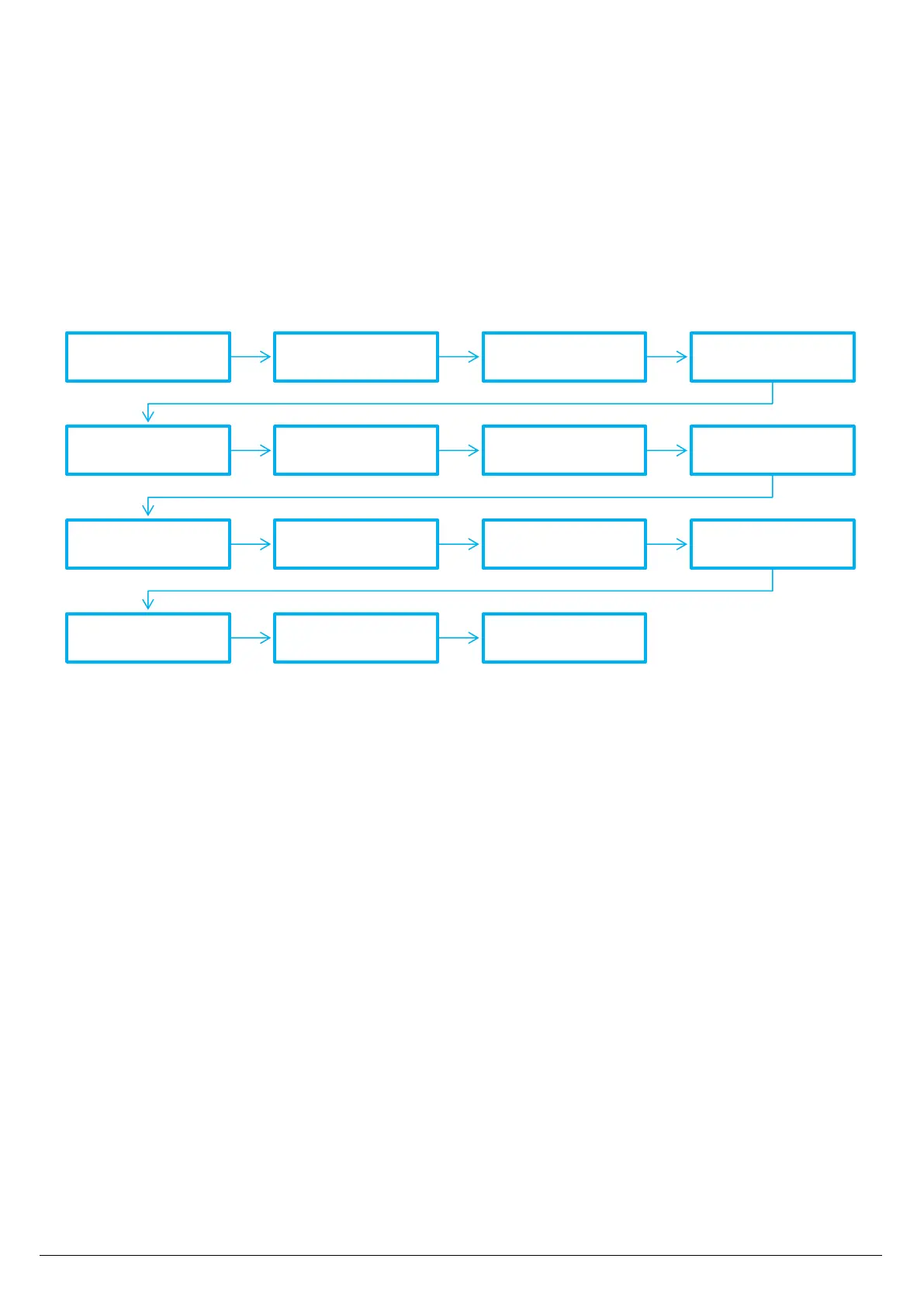
Language Zones Learning Activators Learning Radio Test
BEEP Arming Door Control CTSR / MINI-C Receiver Mode
Anti-Blinding Entry Time Exit Time OpenedDoor Relay
Supervision P Output Reset / Clear All


 To Next Page