Operating Your Tablet PC
EN-15
Viewing the Version Information
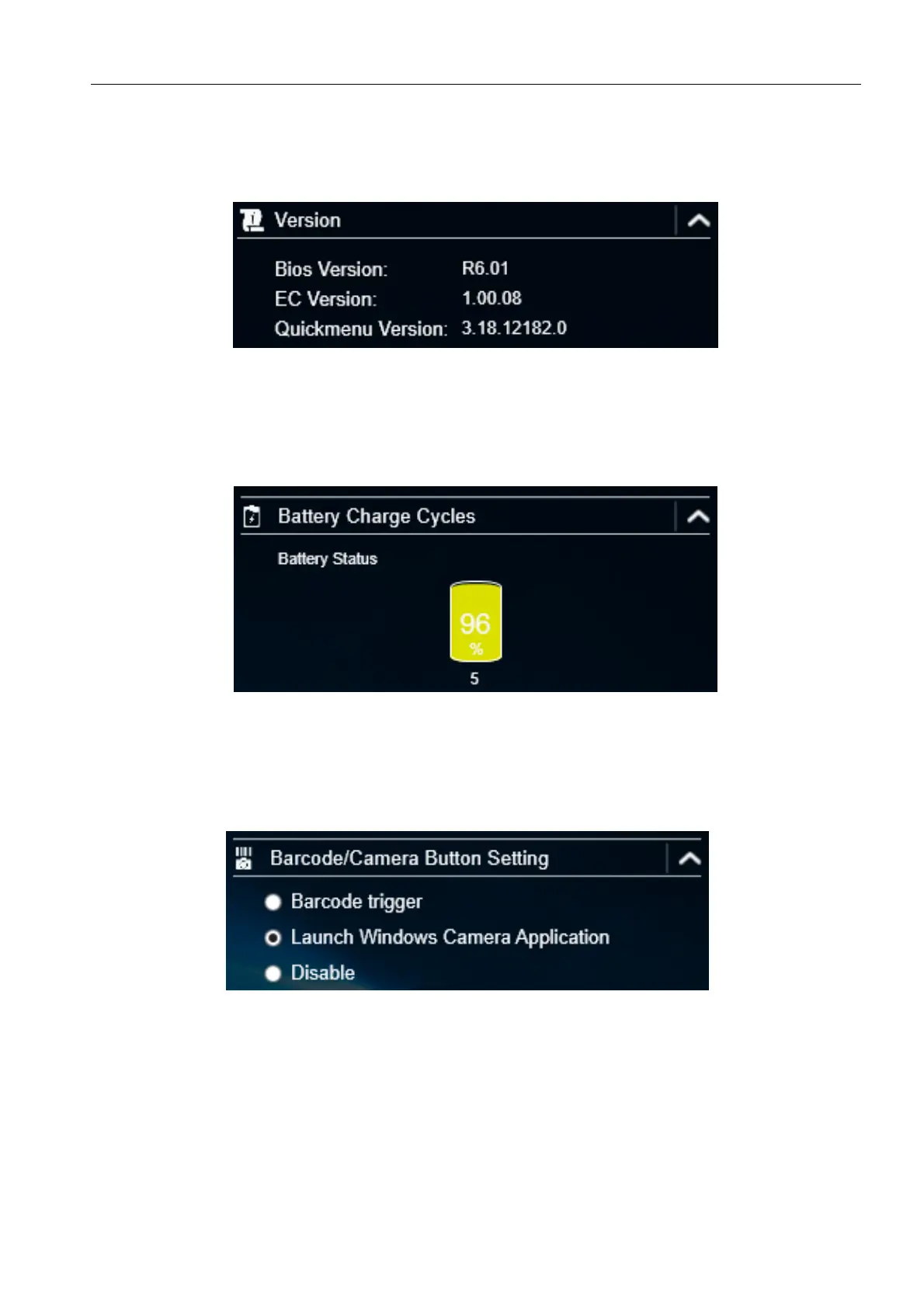
On the Version section, you can view the Bios version, EC version, and Quick Menu
version.
Viewing the Battery Charge Cycles
On the Battery Charge Cycles section, you can view the battery charge cycle and
battery status.
Configuring the Function Button (Barcode/Camera)
On the Barcode/Camera Button Setting section, you can assign the function
for the Barcode/Camera button.
There are three available options:
Barcode trigger: Scan the barcode (if the barcode scanner is integrated).
Launch Windows Camera Application: Shortcut key for launching the
Windows Camera application.
Disable: No function.



 To Next Page