Using the BIOS Setup Utility
EN-41
Battery Calibration Enable you to do battery calibration.
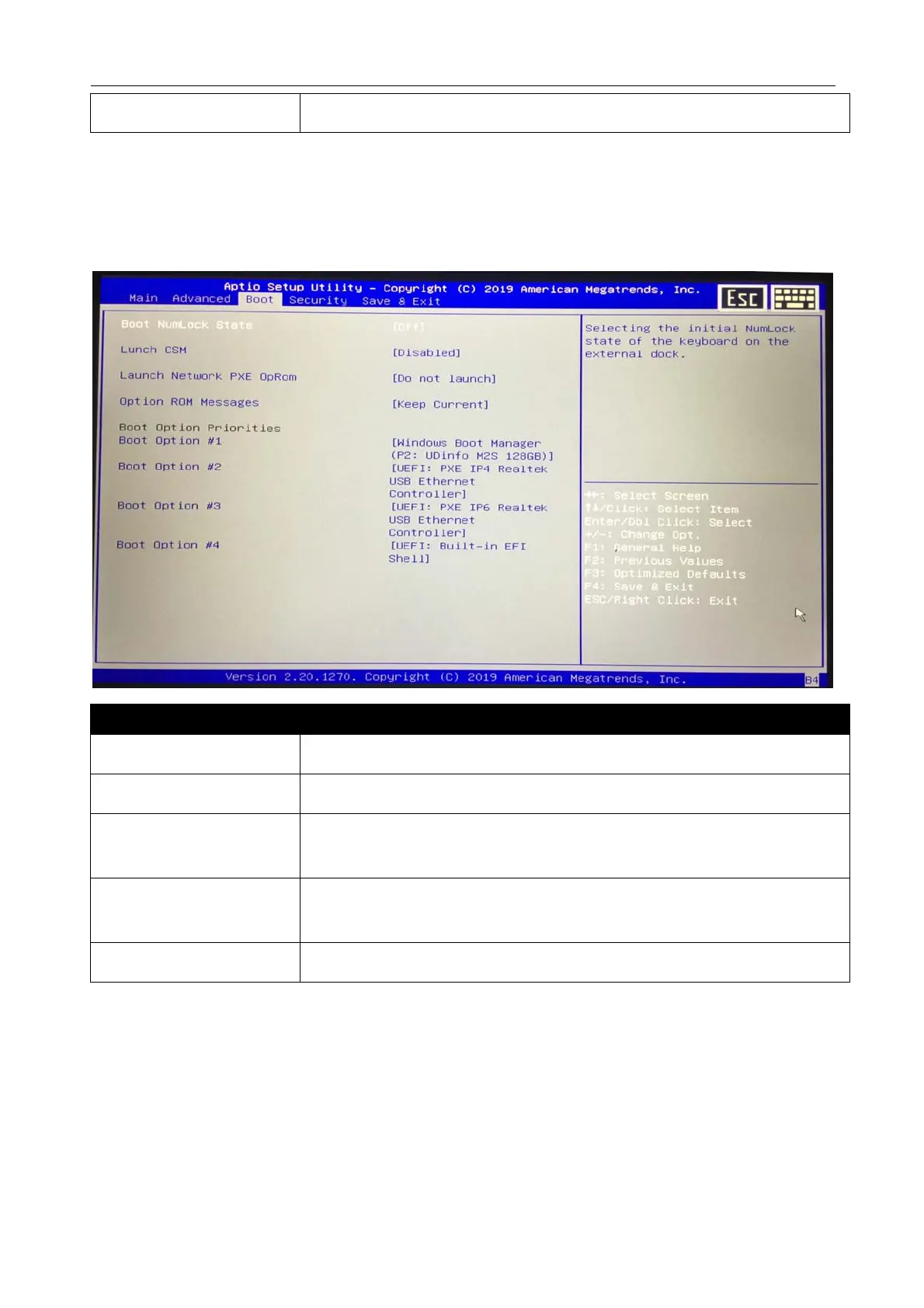
Boot Menu
The Boot menu allows you to configure the boot settings and boot sequence.
Item Description
Boot NumLock State Select the keyboard NumLock state.
Launch CSM Enable/disable the CSM Support.
Launch Network PXE
OpRom
Control the execution of UEFI and Legacy PXE Option Rom.
Option ROM
Messages
Set the Display mode for Option ROM.
Boot Option Priorities Set the system boot order.



 To Next Page