Operating Your Tablet PC
EN-26
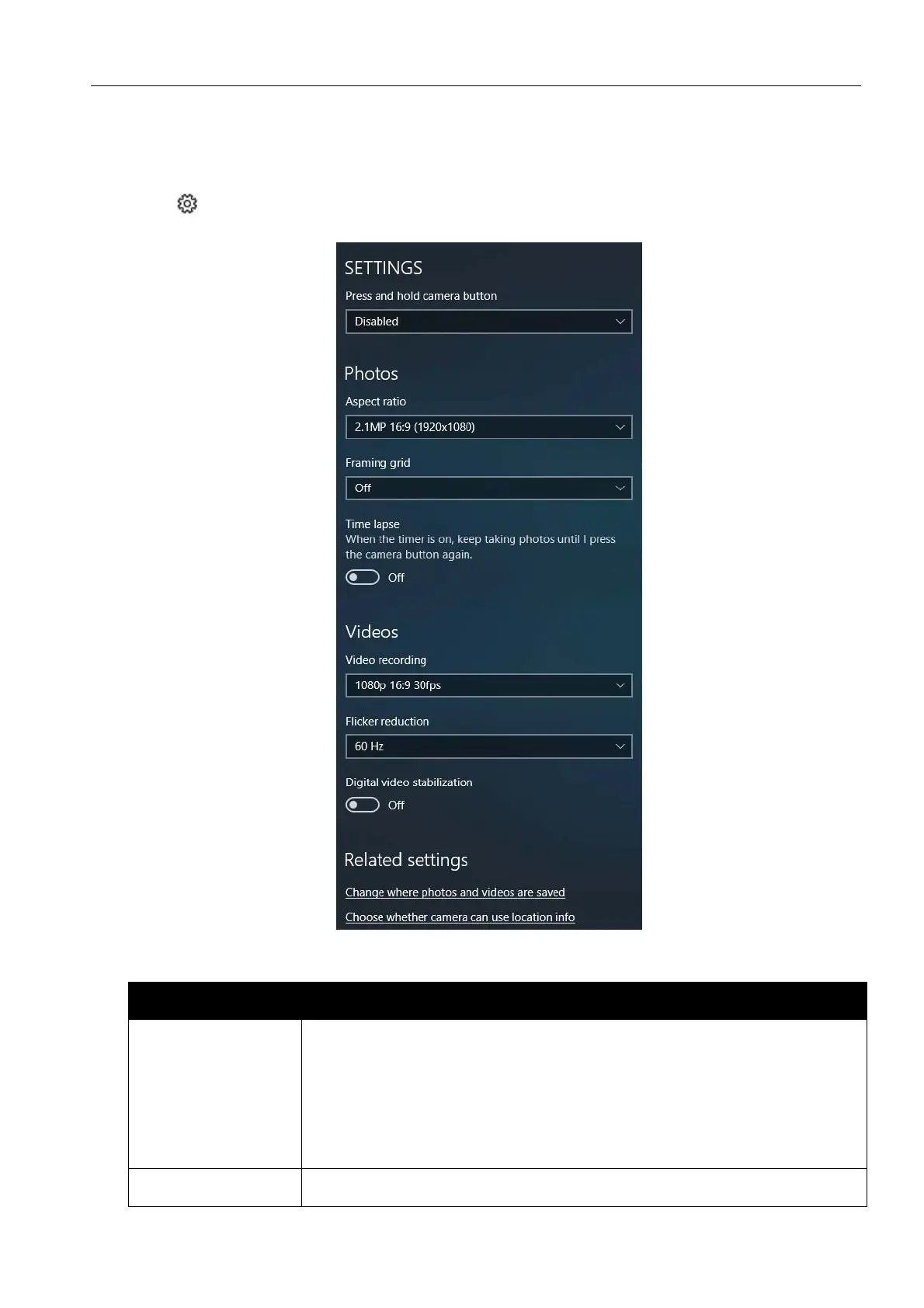
Configuring Camera Settings
1. Tap to enter the Settings menu.
2. Select the desired menu option and setting.
Menu Option Description
Press and hold
camera button
Set the action when you tap and hold the Camera button.
Video – Tap and hold the Camera button to record a video.
Photo burst – Tap and hold the Camera button to take
photos continuously.
Disabled – Disable the function.
Aspect ratio Select the aspect ratio of the photos.



 To Next Page