Operating Your Tablet PC
EN-27
Menu Option Description
Framing grid Show or hide the framing grid lines.
Time lapse If the setting is set to On, the system will keep taking
photos until the Camera button is pressed.
Video recording Set the video resolution.
Flicker reduction Select the flicker reduction setting:
Disabled: To disable the function.
50 Hz/60 Hz: To reduce the flickering that may occur
when recording video under fluorescent light.
Auto: To set flicker reduction automatically.
Digital video
stabilization
If the setting is set to On, digital video stabilization helps
you to keep your footage steady.
Related settings Select the related settings that can only be configured in
Settings app.
Viewing Photos/Videos
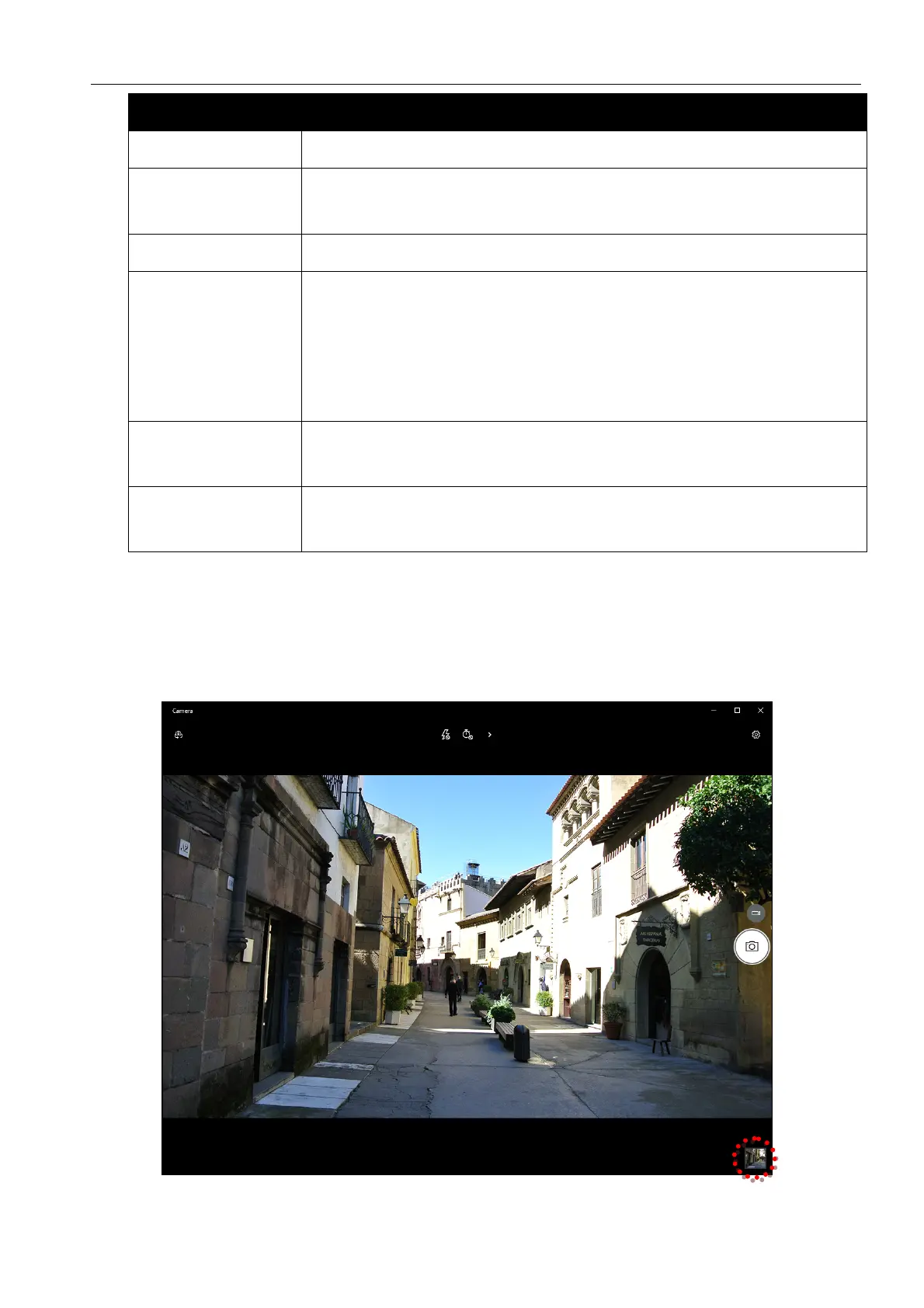
After taking a photo or recording a video, tap the thumbnail (in the bottom-right
corner) to view the most recent photo or video taken.
Swipe right to see other photos or videos in your collection.



 To Next Page