Before You Start
EN-8
NOTE
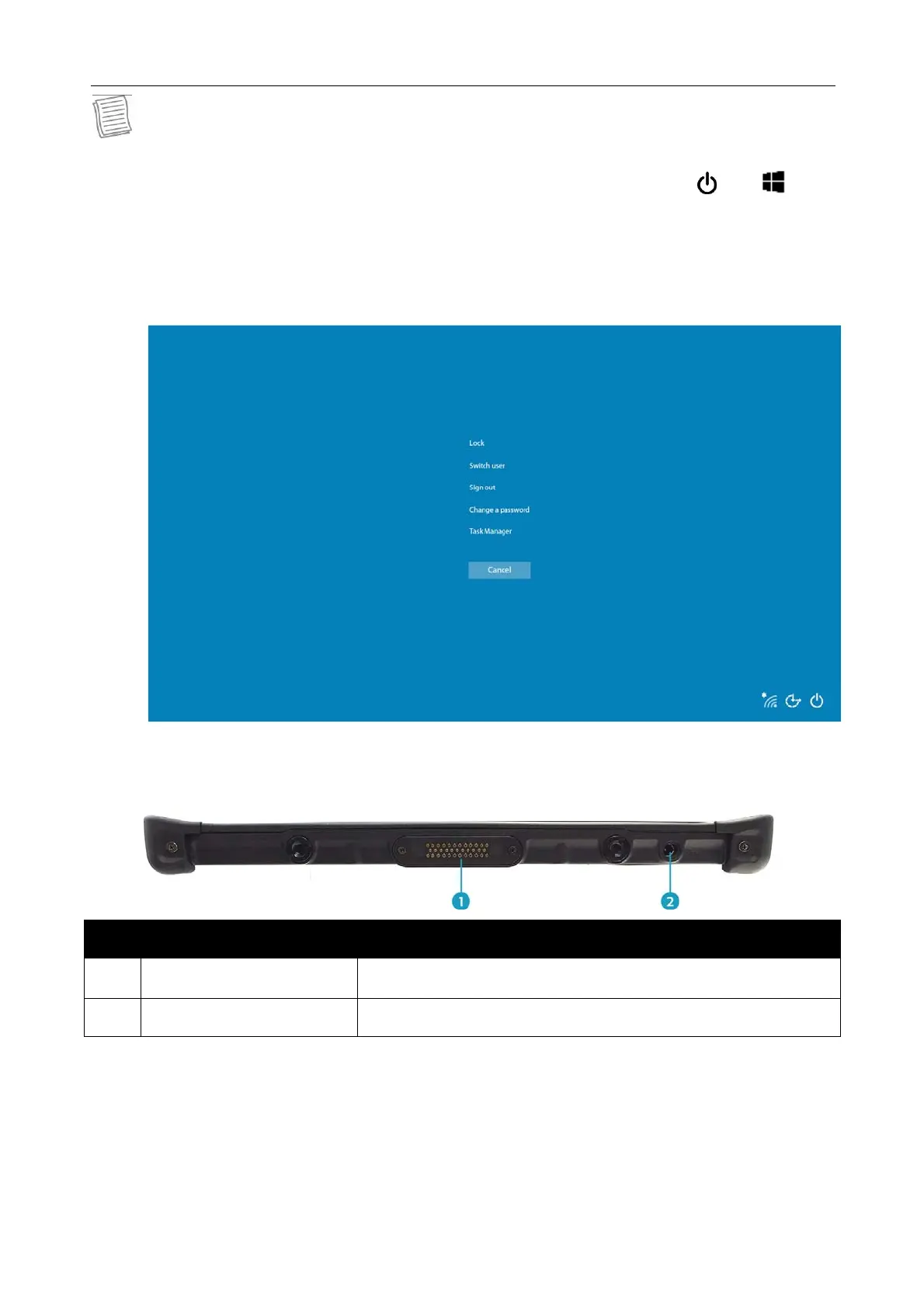
When using the tablet PC without attaching an external keyboard, the three-
finger salute (Ctrl+Alt+Del) function is defined by pressing the and
buttons simultaneously. By pressing the two-button combination, it will
switch to Windows Security screen, which lets you lock the device, switch to
different user, sign out, change a password, enter Task Manager, or
shutdown/Restart the device.
Bottom View
No. Item Description
1
Docking connector Connect the tablet PC to a docking station.
2 DC-IN jack Connect the power adapter.



 To Next Page