Operating Your Tablet PC
EN-19
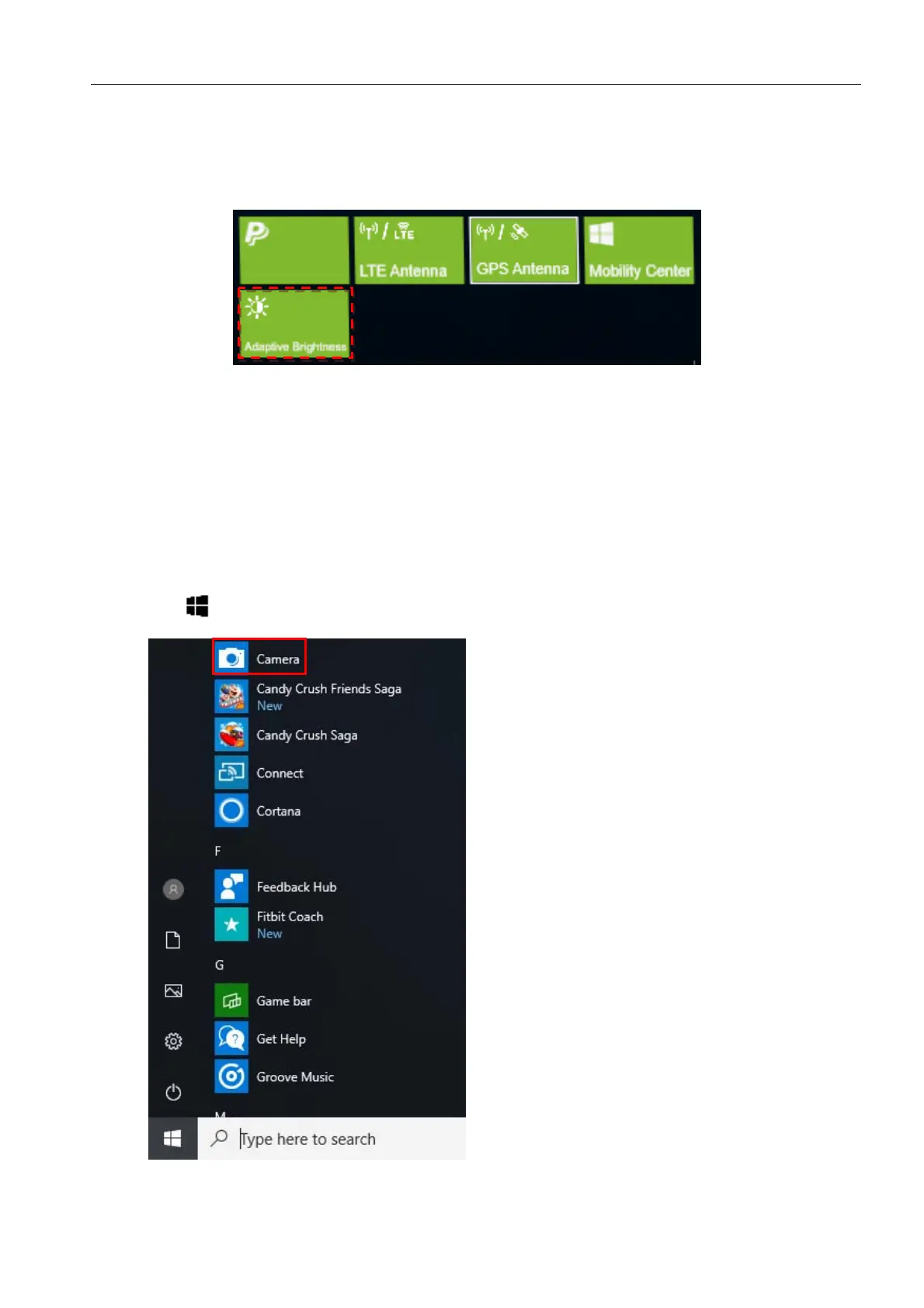
Configuring Adaptive Brightness Setting
Tap the Adaptive Brightness tab to enable/disable the device to automatically
adjust the brightness level according to the ambient light.
Using the Camera
Using the Camera application, you can use this tablet PC to take photos or videos.
Opening the Camera App
To access the Camera application, do one of the following:
a. Tap > Camera.



 To Next Page