Before You Start
EN-9
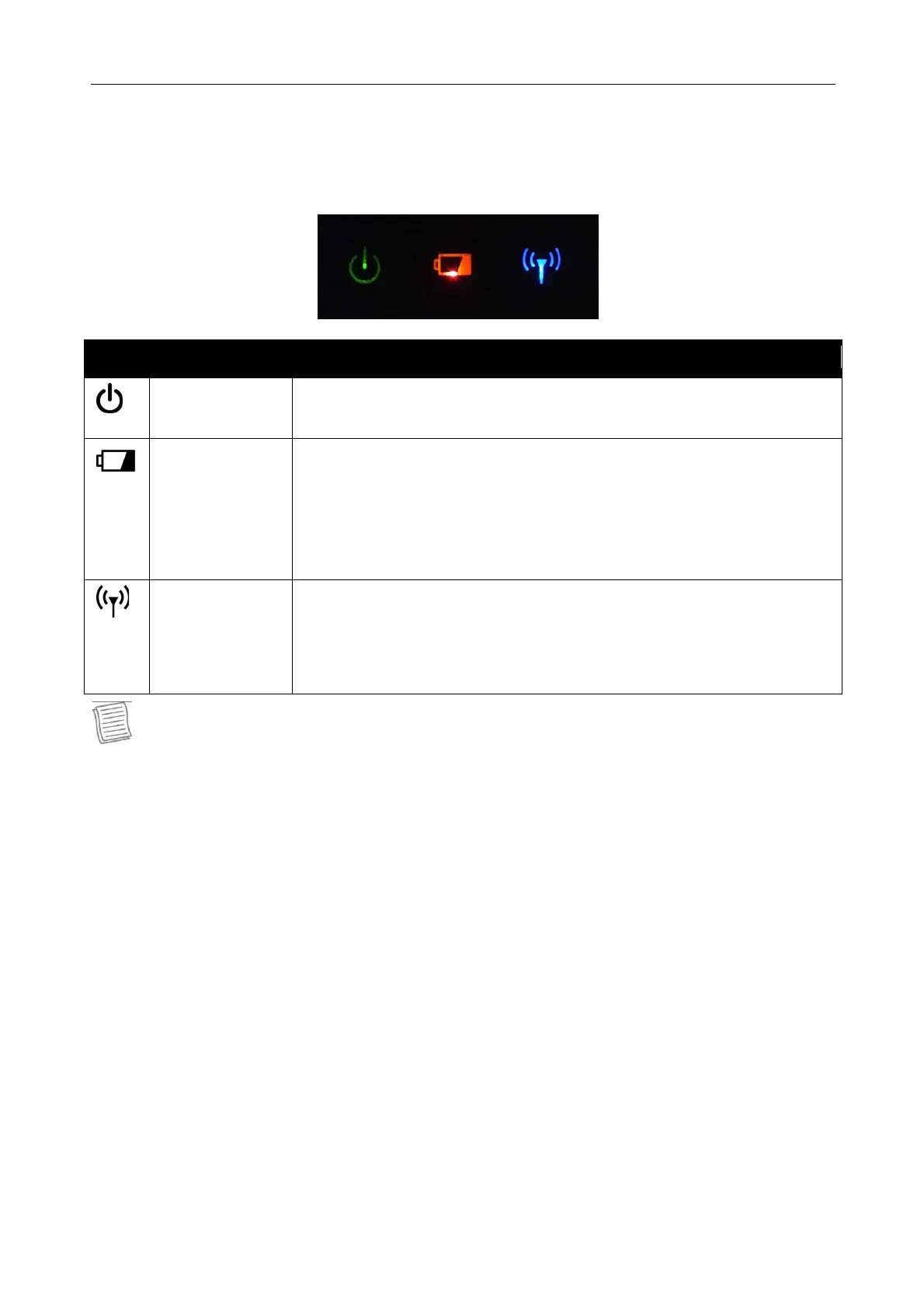
Status Indicators
The status indicators in the upper side of the tablet PC light up when a particular
function of the tablet PC is active.
Icon Item Description
Power Green LED always lights on when the system is running.
When the system is in sleep mode, the LED blinks.
Battery Indicate the battery status:
Green: when battery is fully charged (95% or above)
Orange: when battery is charging
Flashing Red: when battery capacity is lower than 10%
Off: when discharged
RF
Blue LED lights on when any of RF features (WLAN/
Bluetooth/ WWAN/ GPS) is on.
Blue LED lights off when none of RF features (WLAN/
Bluetooth/ WWAN/ GPS) are on.
NOTE
On Windows 10 OS, you need to install the Quick Menu application in order to
verify the RF signal status.



 To Next Page