Operating Your Tablet PC
EN-16
Configuring the Programmable Button (P)
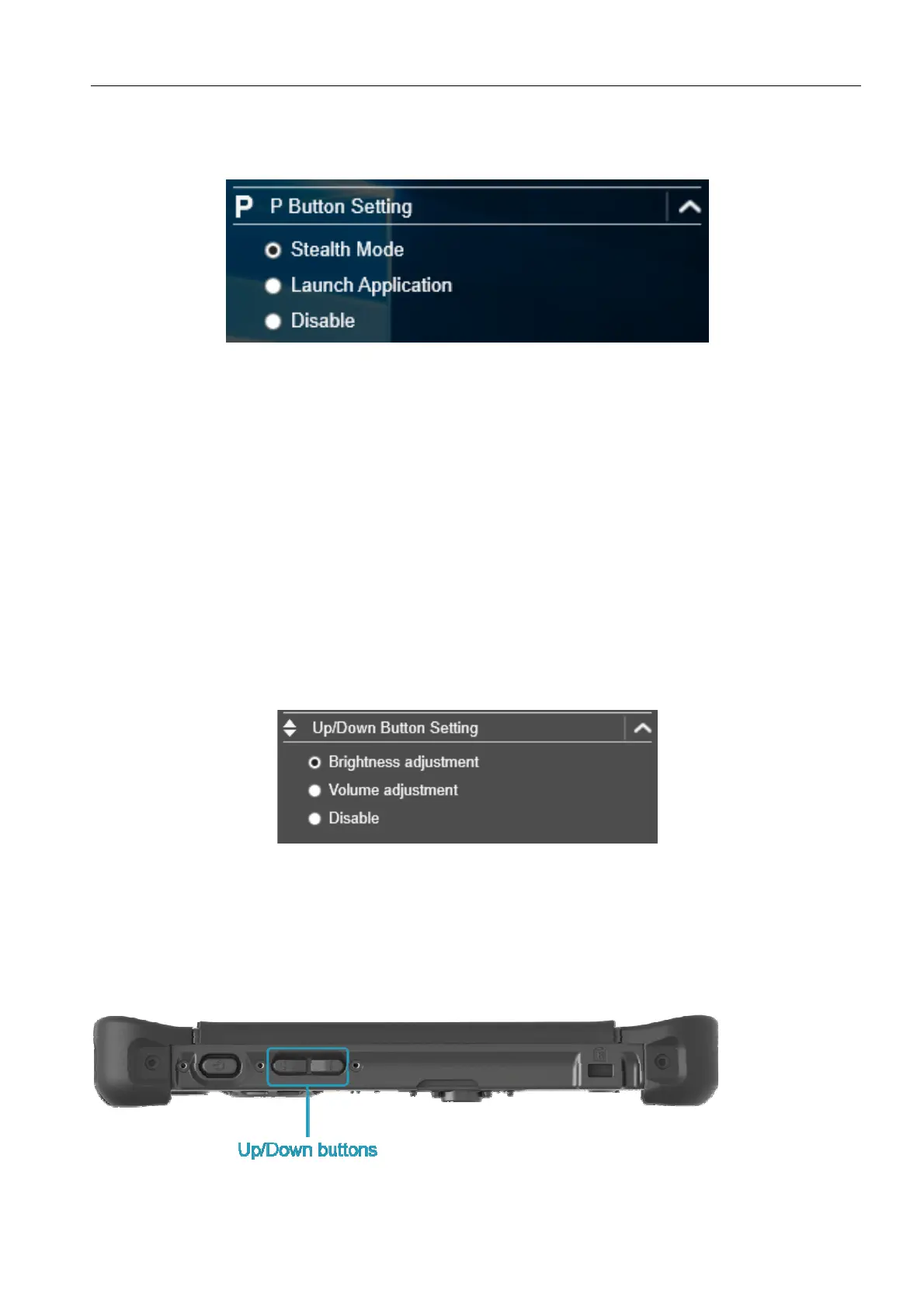
On the P Button Setting section, you can assign the function for the P button.
There are three available options:
Stealth Mode: Turn off the LCD backlight, LEDs, speakers, camera flash, and
RF devices.
Launch Application: Shortcut key for launching a specific application. To
assign the application, refer to the “Assigning an Application to the P Button”
section.
Disable: No function.
Configuring the Up/Down Button
On the Up/Down Button Setting section, you can assign the function for the
Up/Down button.
There are three available options:
Brightness adjustment: To adjust screen brightness level;
Volume adjustment: To adjust volume level;
Disable: No function.



 To Next Page