Making Connections
EN-36
Connecting to a Wireless Wide Area Network (WWAN)
With WWAN function, it allows your tablet PC to connect to the Internet using
mobile or cellular data networks.
To connect, follow the steps below:
1. Insert a valid SIM card into the SIM card slot (refer to page 錯誤! 尚未定義書
籤。).
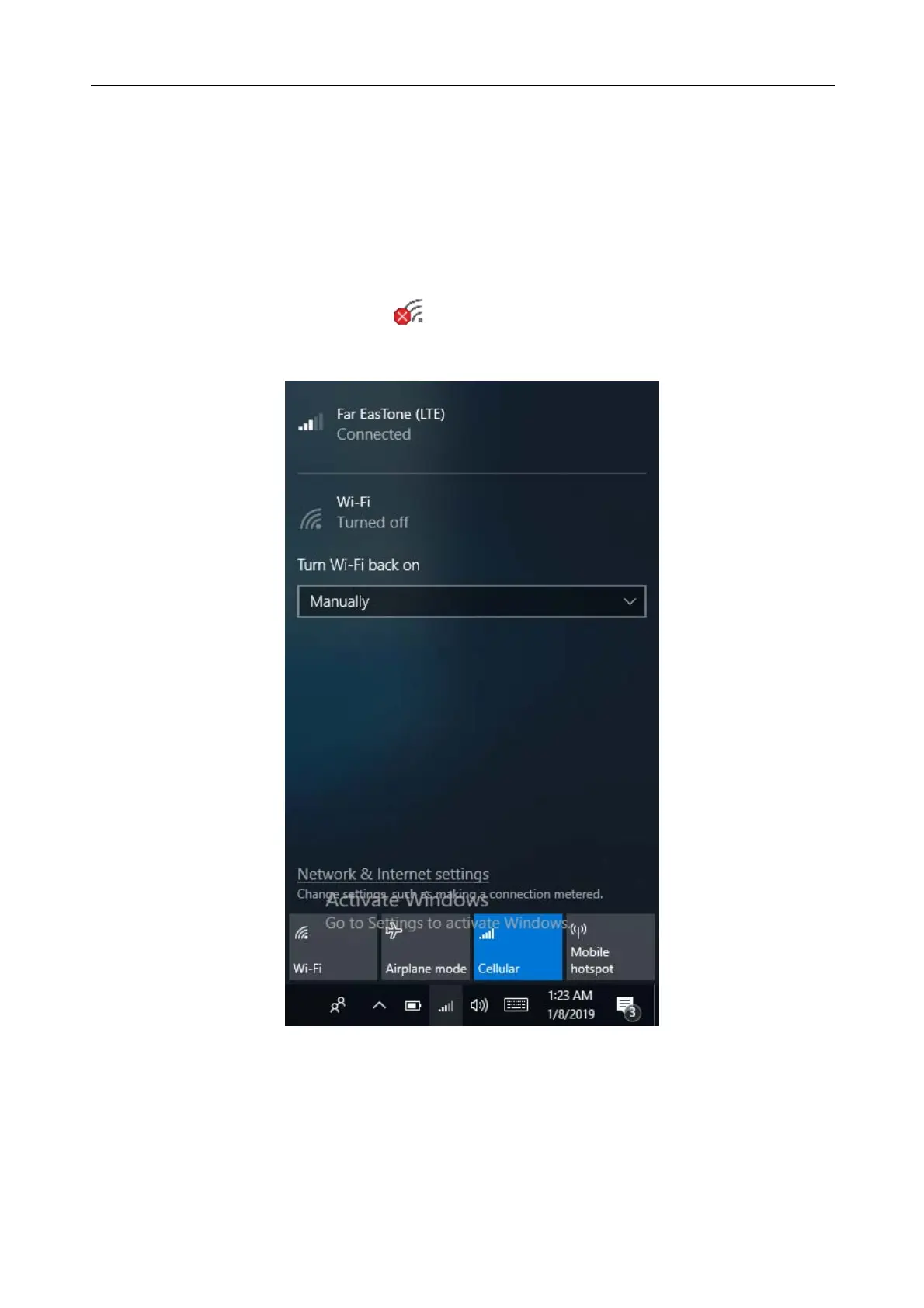
2. Tap the cellular network icon (
) on the system tray. Then tap Cellular to
enable the Internet connection via mobile data network.



 To Next Page