Troubleshooting
EN-51
2. Connect the AC adapter.
3. Turn on the device by pressing the POWER button.
4. Reinstall the battery. The Battery LED is a steady blue while the battery is
charging.
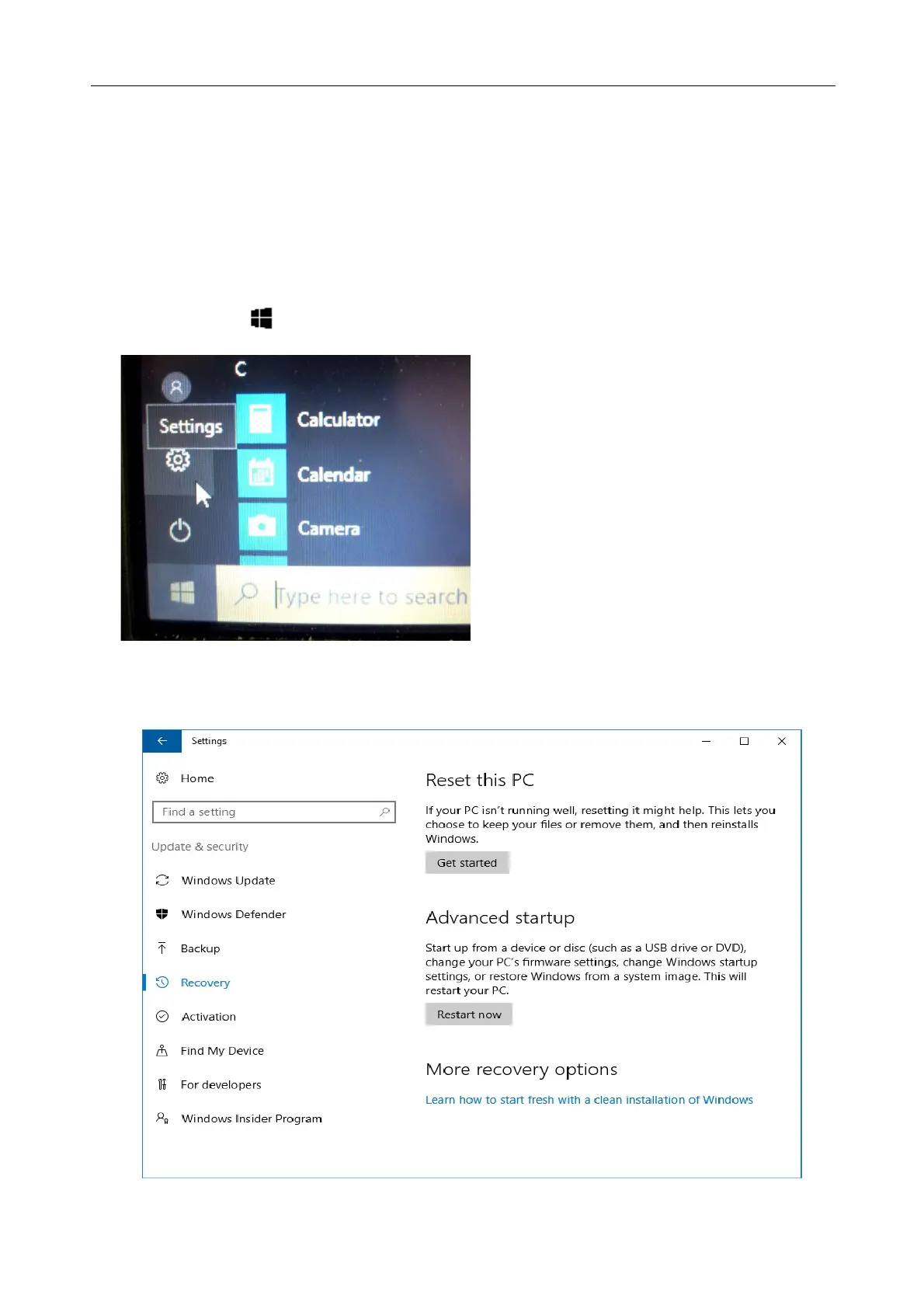
Hard disk recovery process on Win10
1. Select Start > Setting
2. Select Recovery under Update & Security.
3. Under Reset this PC, Click Get started.



 To Next Page